

.svg)


Every 3D model ever made starts with the same raw ingredients. Shape primitives, including cubes, spheres, cylinders, cones, and tori, are the foundational building blocks of all 3D work, from product visualization to game environments to architectural renders. These are the forms that artists combine, cut, extrude, and sculpt into anything from a product render to a film asset. Before a single polygon is moved or a single edge is extruded, a primitive is placed.
Understanding these shapes is not just about recognizing what they look like. It is about knowing how each one is constructed mathematically, how its geometry behaves when modified, and which form to reach for when starting a new model. A cube subdivides predictably because its faces are uniform. A sphere's segment count controls the trade-off between smoothness and performance. A torus has no edges at all, which changes how light wraps around it entirely.
The full range of primitives used in modern 3D work spans from the 5 mathematically perfect Platonic solids to everyday forms like cylinders, cones, and torus knots. Each one has properties that make it suited to specific modeling tasks, and knowing them builds the geometric vocabulary that every 3D workflow depends on.
Polygons in 3D modeling

A polygon is a flat, closed 2D shape defined by straight edges and vertices. Triangles, squares, pentagons, and hexagons: each one is a polygon, and each one can serve as a building block for 3D geometry.
In 3D modeling, polygons matter because every surface is made of them. A 3D mesh is essentially a collection of polygons stitched together to approximate the shape of an object. The simpler the polygon, the easier it is for software to process. This is why triangles are the most fundamental unit: they are always flat, always mathematically stable, and every other polygon can be broken into them.
The number of polygons in a model directly affects how detailed and smooth it appears. A sphere built from 8 polygons looks blocky. The same sphere built from 800 looks smooth. But more polygons also mean more processing power required to render and interact with the model, a trade-off every 3D designer navigates constantly.[1]
Pro Tip! When a surface looks faceted or pinched, check your polygon distribution. Uneven polygons create shading artifacts that smooth topology prevents.
What polyhedrons are in 3D
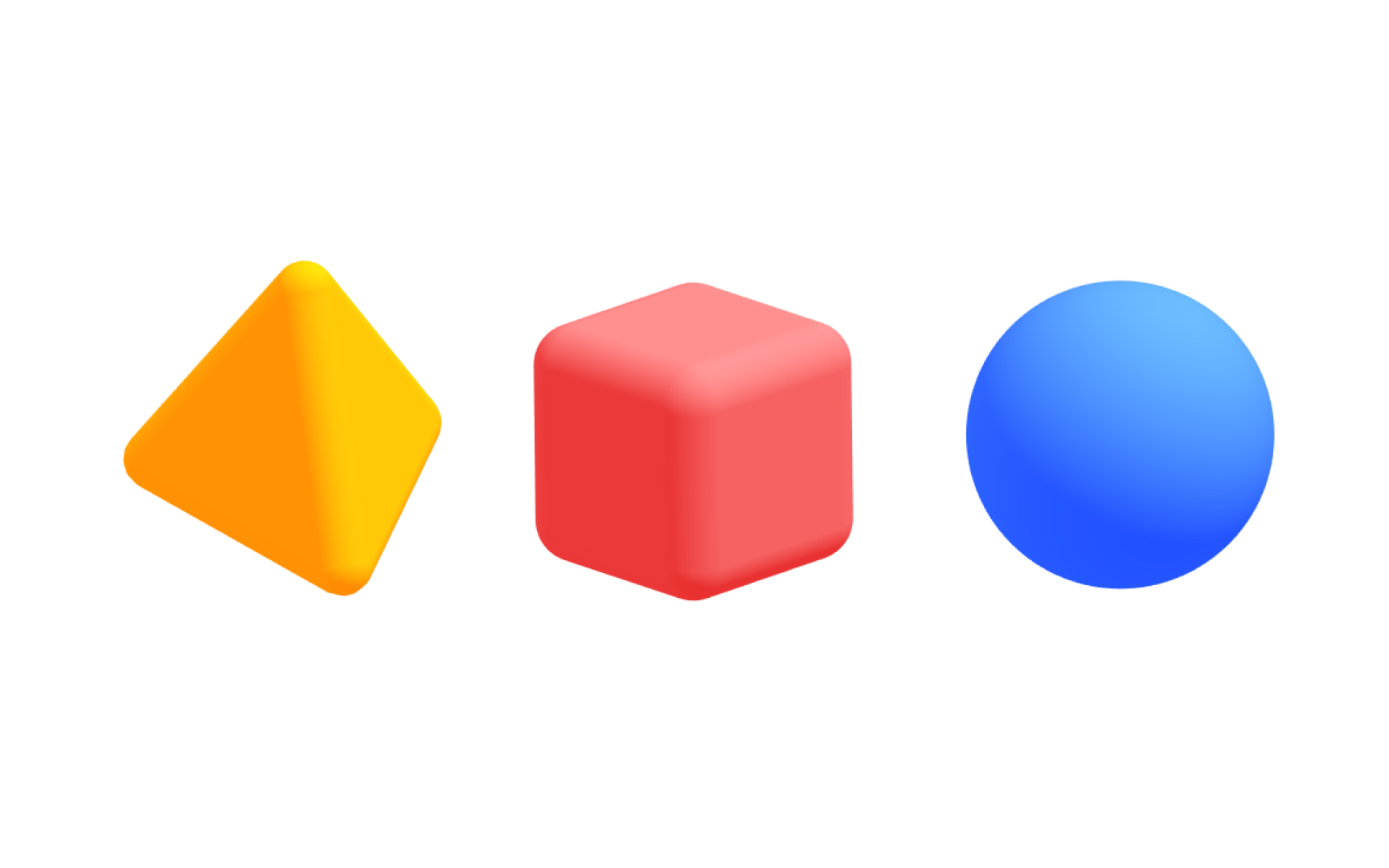
A polyhedron is a three-dimensional solid with flat polygonal faces, straight edges, and sharp corners called vertices. Pyramids, cubes, and prisms are all polyhedrons. What they have in common is that every face is a flat polygon, every edge is a straight line, and the shape is completely closed with no curved surfaces.
Polyhedrons are foundational to 3D modeling because almost any shape can be defined as a closed surface of polygonal faces. When you model a character's fist, an architectural wall, or a product chassis, you are essentially constructing a polyhedron: a closed form made of flat faces that together create the illusion of a solid object.
The flexibility of polyhedrons is what makes them so useful. Unlike curved surfaces, which require special mathematical descriptions, a polyhedron can approximate any form by increasing the number of faces. More faces, smaller faces, and the result looks increasingly smooth and organic.[2]
Platonic solids and their role in 3D
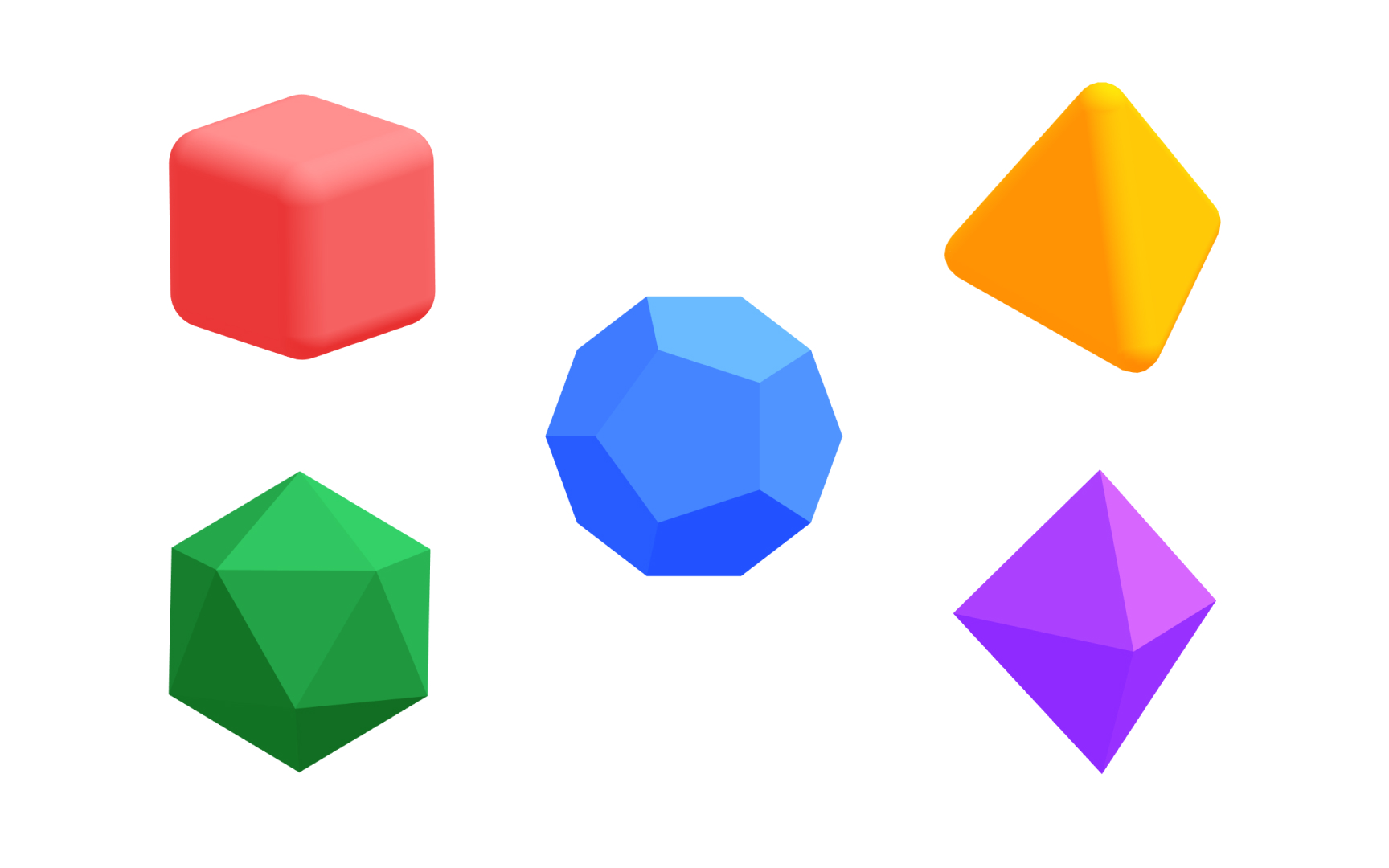
A Platonic solid is a special category of polyhedron that meets 3 strict conditions:
- All faces must be identical regular polygons
- The same number of faces must meet at every vertex
- The shape must be convex
Only 5 solids in existence satisfy all 3 requirements: the tetrahedron, cube, octahedron, dodecahedron, and icosahedron.
These 5 shapes have fascinated mathematicians and artists since ancient Greece. Their perfection comes from their symmetry. Rotate a Platonic solid around any axis through its center, and it looks identical from multiple angles. This symmetry makes them visually stable and structurally balanced.
In 3D design, Platonic solids appear frequently as starting points for modeling, as reference forms for understanding surface distribution, and as design elements in their own right. Their geometric purity also makes them useful for testing how materials and lighting respond to different face angles.[3]
Polyhedrons vs. Platonic solids

All Platonic solids are polyhedrons, but not every polyhedron is a Platonic solid. Understanding this distinction helps you reason about the shapes you work with and why they behave differently in a modeling environment.
A polyhedron simply requires flat polygonal faces, straight edges, and sharp vertices. That is a broad definition that includes everything from irregular rock formations to architectural facades. A Platonic solid adds 3 further constraints: all faces must be identical regular polygons, the same number of faces must meet at every vertex, and the shape must be convex, meaning it cannot have any indentations or star-like protrusions.
The practical difference shows up in how predictably these shapes respond to modeling operations. A Platonic solid has uniform face distribution, so subdividing or smoothing it produces even, consistent results. An irregular polyhedron, like a room made of walls with different proportions, does not share that uniformity, and modeling decisions have to account for that unevenness.[4]
The cube as a 3D primitive
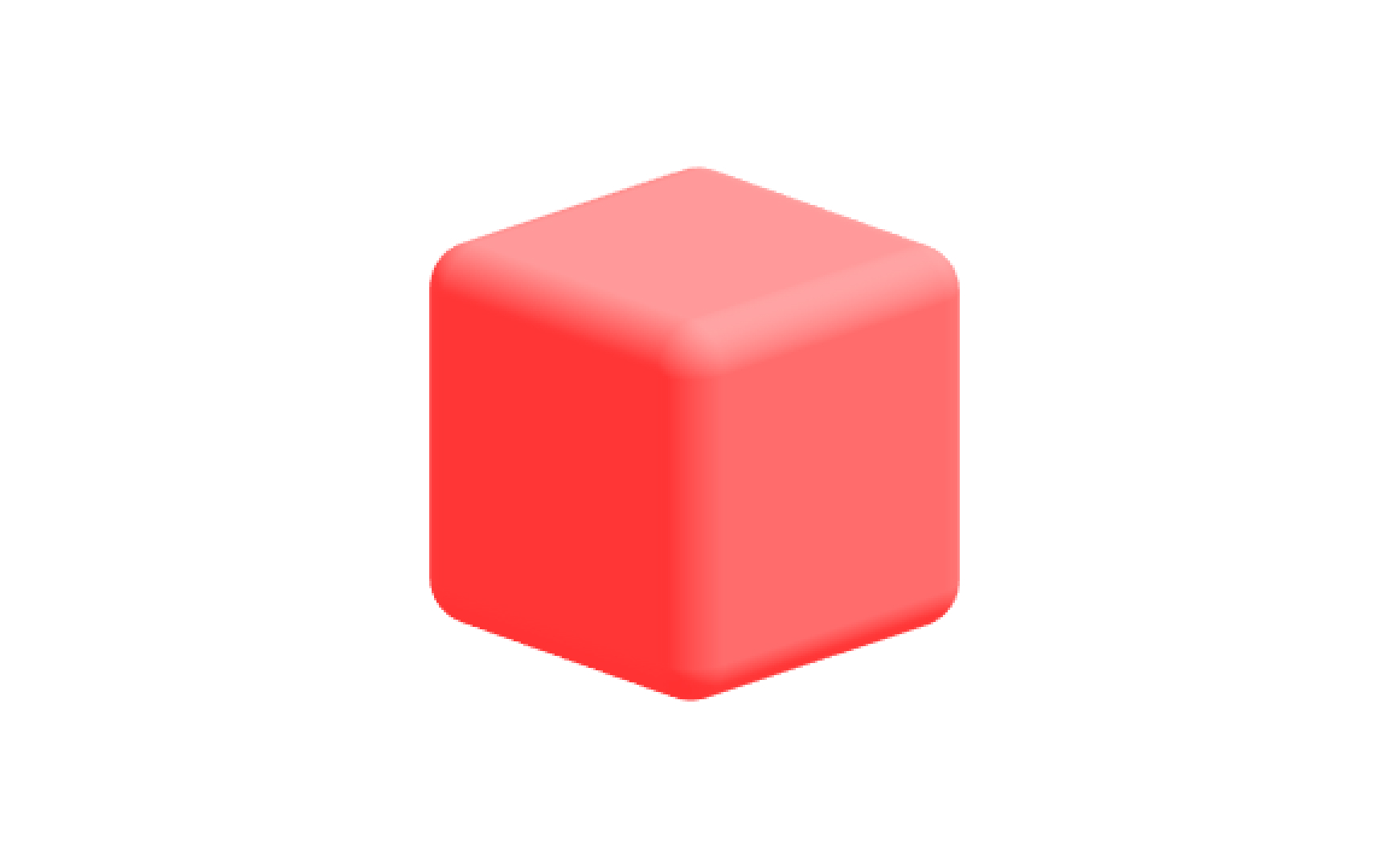
The cube is a regular hexahedron ("hexa" means six in Ancient Greek) with 6 equal square faces, 8 vertices, and 12 edges. Every angle is a right angle, every face is identical, and the whole shape sits in perfect symmetry along 3 axes. It is one of the 5 Platonic solids and arguably the most recognizable geometric form in 3D design.
Its regularity is also what makes it so practical. Because a cube is perfectly uniform, any operation you apply to it, such as scaling, subdividing, or extruding a face, produces predictable results. This is why the cube is the starting point for box modeling, one of the most widely used techniques in 3D, where a simple block is progressively refined into complex geometry by pulling, cutting, and reshaping its faces and edges.
In real-world terms, the cube's relationship to rectangular forms makes it immediately applicable. Buildings, furniture, electronics, and packaging all begin with a box shape. A product designer roughing out the proportions of a device in 3D will almost always start with a scaled cube.[5]
The sphere as a 3D primitive
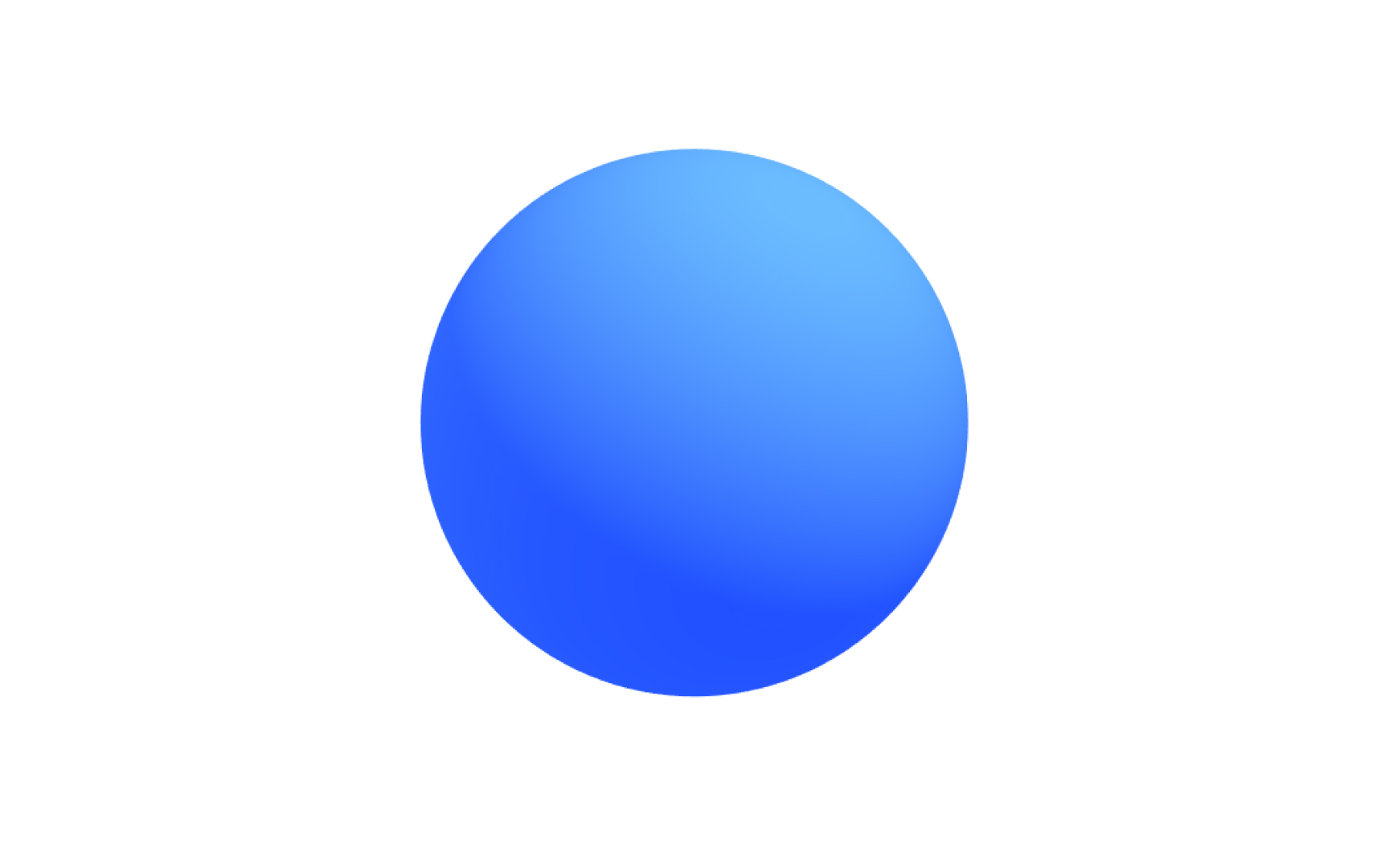
A sphere is a three-dimensional shape where every point on the surface is the same distance from the center. It has no edges and no corners, just a continuous, perfectly smooth surface curving uniformly in all directions. In 3D software, a sphere is built by approximating this smooth surface with a grid of polygons arranged in horizontal rings (latitude) and vertical segments (longitude).
That approximation creates an important decision for designers. A sphere with few segments renders quickly but looks faceted up close. Increase the segment count, and the surface becomes smoother, but the polygon count and the computational cost rise with it. Learning to find the right balance between visual fidelity and mesh density is one of the foundational skills the sphere teaches.
Beyond its practical uses in modeling objects like balls, planets, and lenses, the sphere is the standard diagnostic shape in 3D work. Because its surface is completely uniform, it shows exactly how a material or light source behaves without the distraction of edges or flat faces. Any inconsistency in a material or lighting setup becomes immediately visible on a sphere.[6]
Pro Tip! Use a low-polygon sphere during early modeling and increase segments only when finalizing. Adding geometry is easy. Removing it cleanly is the harder part.
What a tetrahedron is in 3D
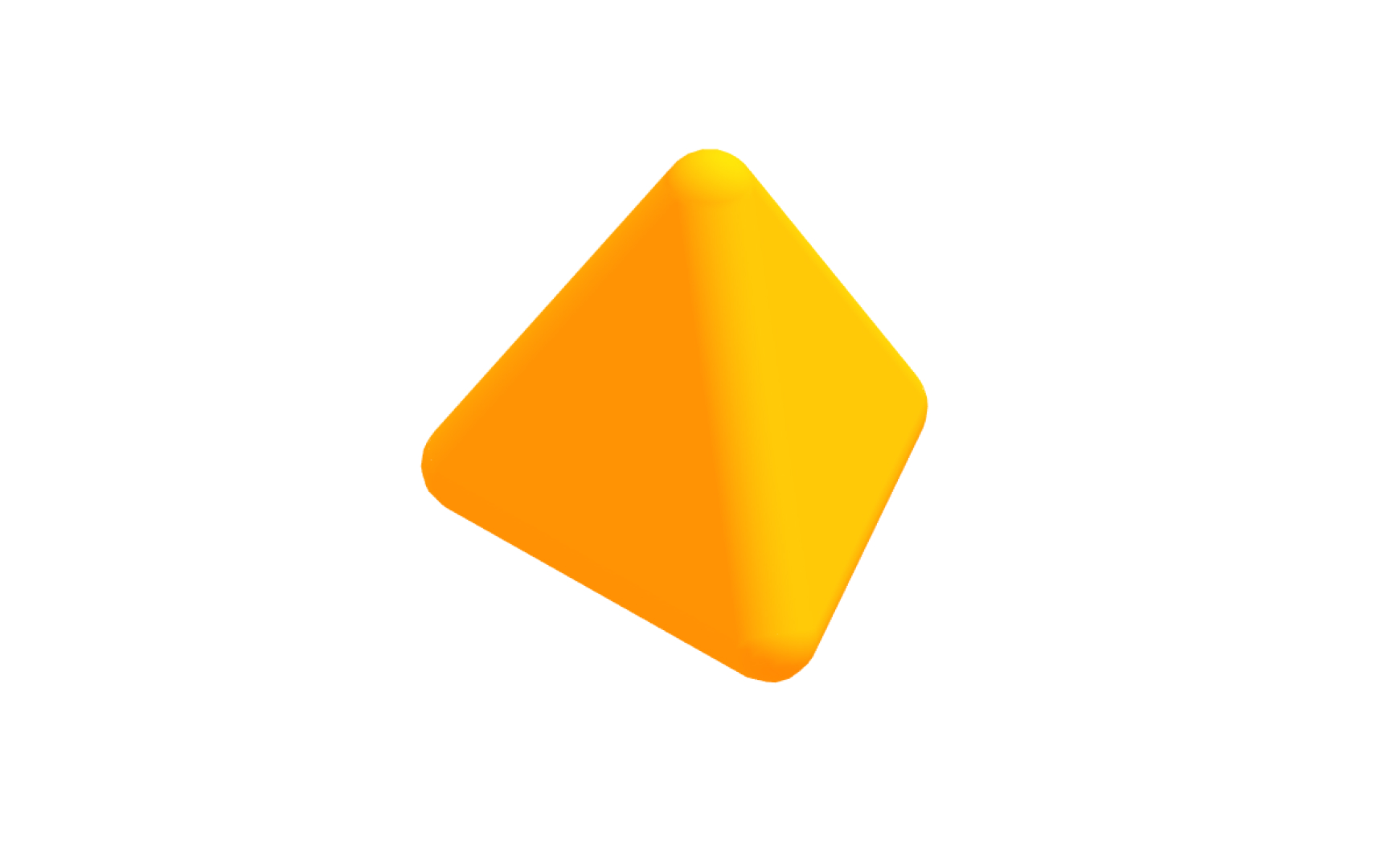
A tetrahedron is a polyhedron with 4 triangular faces, 4 vertices, and 6 edges. Every face is an equilateral triangle, every edge is the same length, and the shape looks symmetrical from any direction, which is why it qualifies as one of the 5 Platonic solids. Think of it as a pyramid with a triangular base instead of a square one.
The tetrahedron is the simplest possible polyhedron. It is the minimum number of faces required to fully enclose a three-dimensional volume. This minimal quality makes it theoretically important, the atom of polyhedral geometry, but also practically significant. Triangulation, the process of breaking any polygon mesh into triangles, is essentially a process of converting geometry into millions of tiny tetrahedron-like units that rendering engines can process efficiently.
In 3D design, tetrahedrons appear in structural applications and as a base form for angular, crystalline aesthetics. Game designers and motion graphics artists use them as building blocks for low-poly styles.
What an icosahedron is in 3D
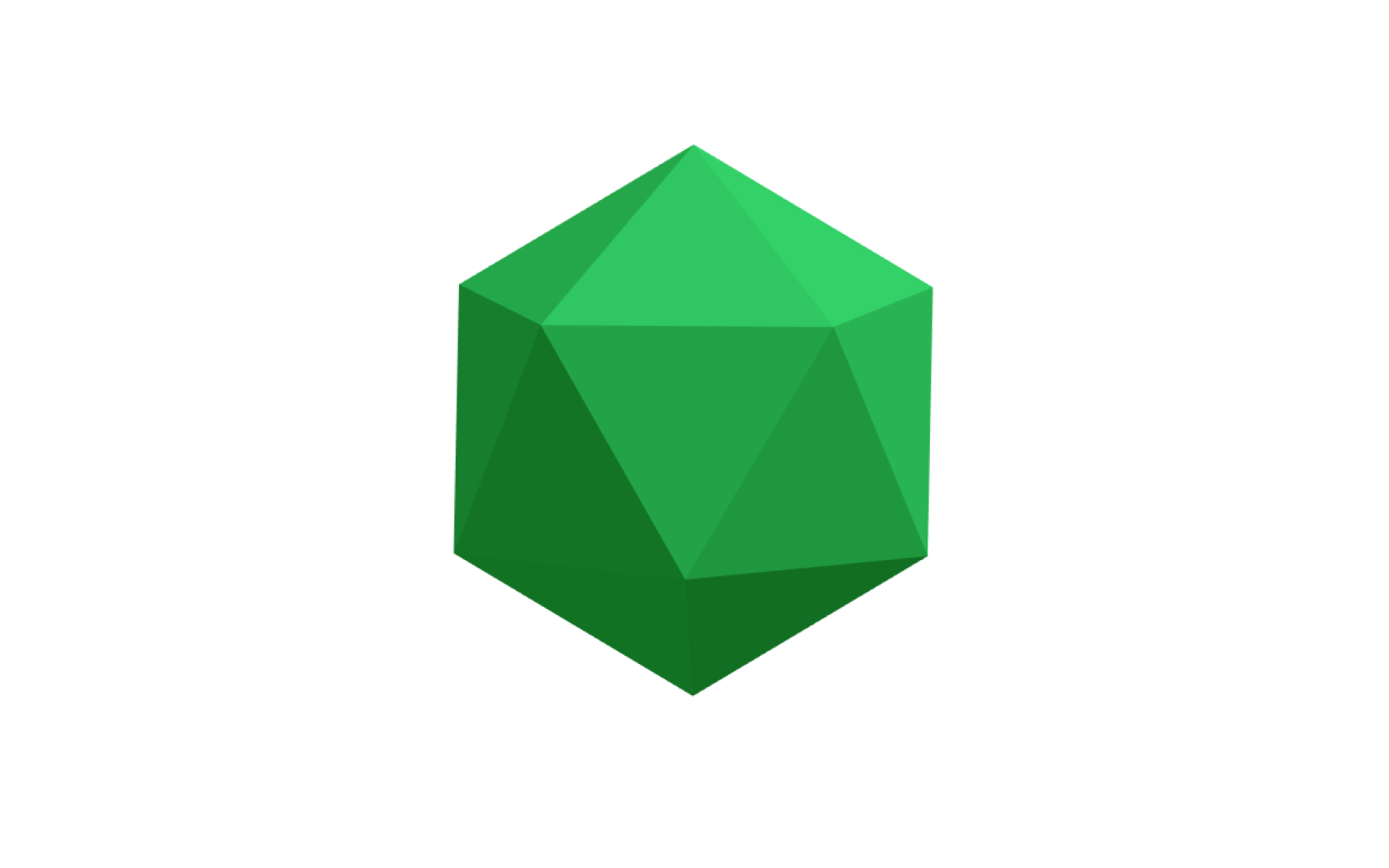
An icosahedron is a polyhedron with 20 equilateral triangular faces, 30 edges, and 12 vertices. Its highly symmetrical structure makes it one of the 5 Platonic solids and the most sphere-like of the group, approximating a sphere more closely than any other Platonic solid.
That near-spherical quality gives the icosahedron practical relevance in 3D modeling. When designers need a sphere-like form with clearly visible faces and edges, such as for low-poly aesthetics, crystalline structures, or game design dice and gems, the icosahedron is the go-to shape. Its triangular faces also distribute evenly across the surface, which means subdividing an icosahedron produces a more uniform mesh than subdividing a cube or cylinder.
The icosahedron also has a historical presence in design beyond screens. Geodesic domes, popularized by architect Buckminster Fuller, are based on icosahedral geometry. The same structure appears in virus capsid shapes in biology and in carbon molecules like Buckminsterfullerene, which tells you something about how fundamental this form is.
Pro Tip! The icosahedron is the best Platonic solid to use as a sphere substitute in low-poly design. Its face distribution gives the most visually balanced result.
What an octahedron is in 3D
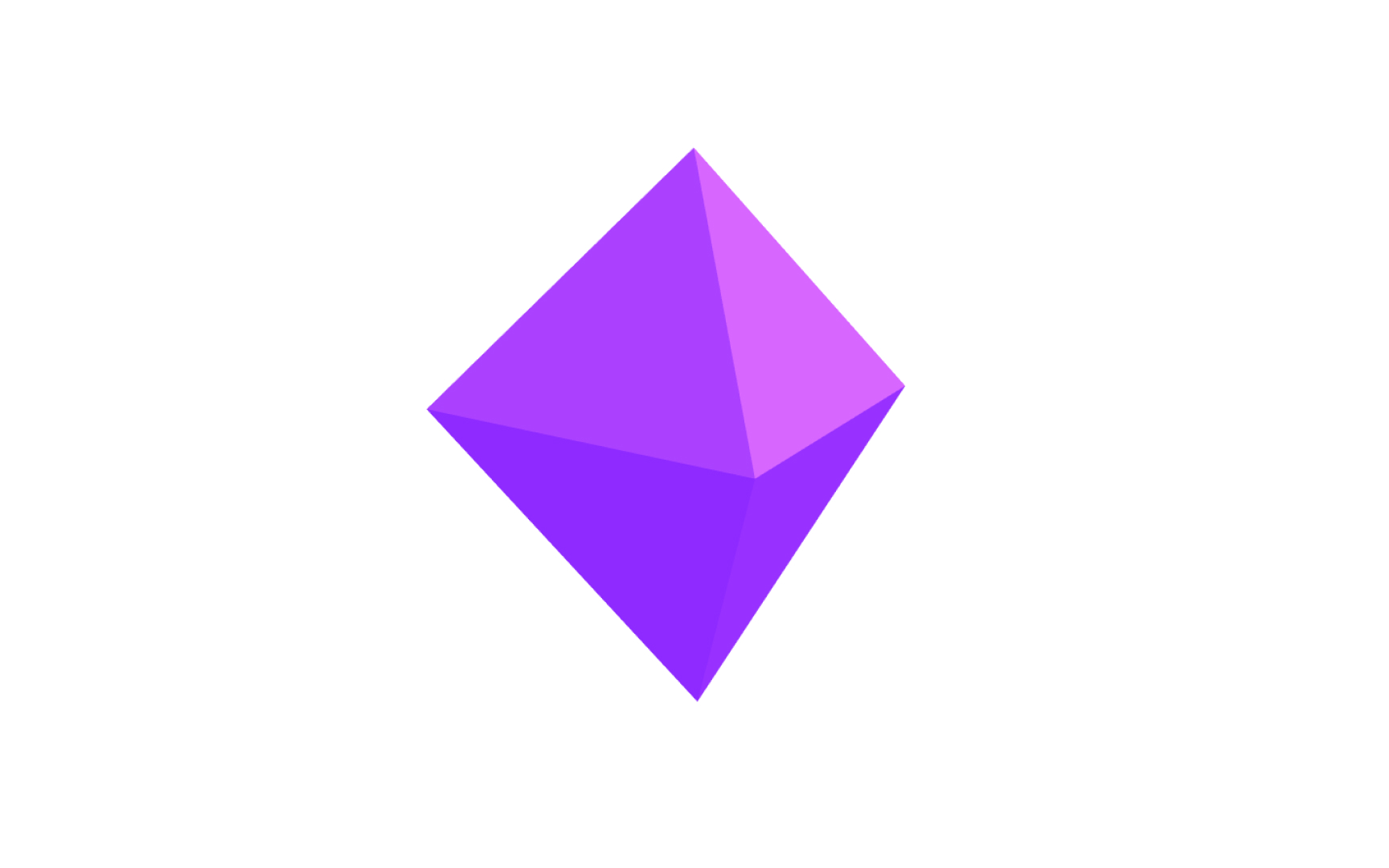
An octahedron is a polyhedron with 8 equilateral triangular faces, 12 edges, and 6 vertices. The name comes from "octa," meaning eight in Ancient Greek. Visually, it looks like 2 square pyramids joined at their bases, creating a diamond shape that points both upward and downward. Because all its faces are identical equilateral triangles and the same number of faces meet at each vertex, it qualifies as a Platonic solid.
Octahedrons appear naturally in crystal structures. Most diamond crystals grow in octahedral form, which is why the shape has a visual association with precious stones and the geometry of minerals. In 3D design, this makes the octahedron a useful reference shape for crystalline materials, gemstones, and hard-edged jewelry work.
From a modeling standpoint, the octahedron's 6 vertices, 1 at each pole and 4 around the equator, give it a clean axis of symmetry that makes it easy to orient in a scene. It is less commonly used as a starting primitive than a cube or sphere, but it fills a specific niche when angular, double-pointed geometry is needed.
What a dodecahedron is in 3D
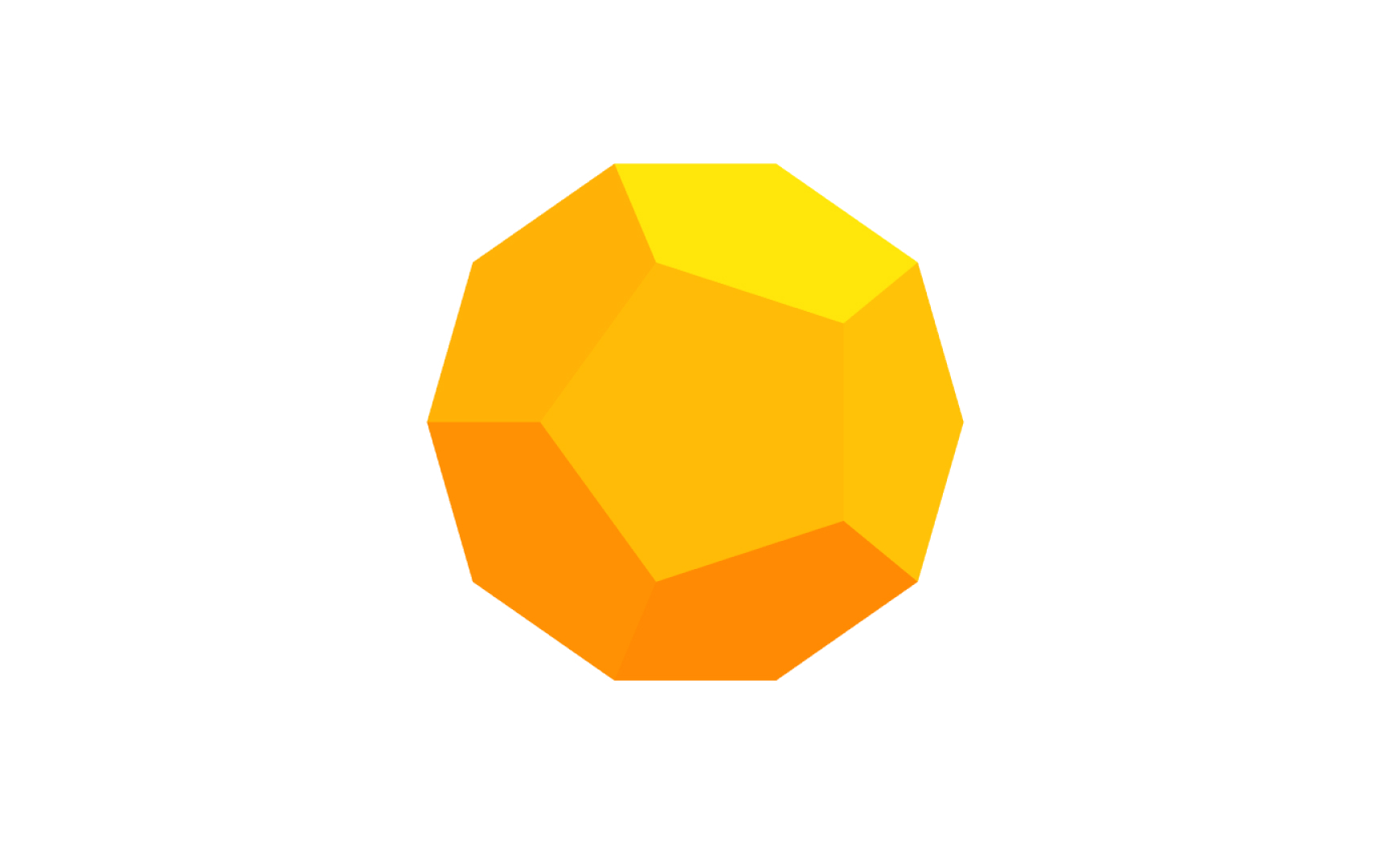
A dodecahedron is a polyhedron with 12 faces. A regular dodecahedron, the Platonic solid version, has 12 regular pentagons as faces, 30 edges, and 20 vertices. Each pentagonal face has 5 edges, and the shape has a satisfying roundness to it despite being made entirely of flat faces. It is the most sphere-like of the 5 Platonic solids after the icosahedron.
The dodecahedron is relatively rare in everyday objects compared to shapes like the cube or cylinder, but it appears in specific contexts. In tabletop gaming, the 12-sided die is a dodecahedron. In nature, it appears in certain crystal structures and the arrangement of seeds in some plants. In architecture and design, its near-spherical quality makes it a useful form for domes, lighting fixtures, and decorative geometry.
In 3D modeling, the dodecahedron is often used for stylistic purposes. Its pentagonal faces give it a distinct visual texture that differs from the triangular faces of most other Platonic solids. Subdividing it produces smooth, rounded results because its faces are already relatively large and evenly distributed.
Rectangular pyramid as a 3D primitive
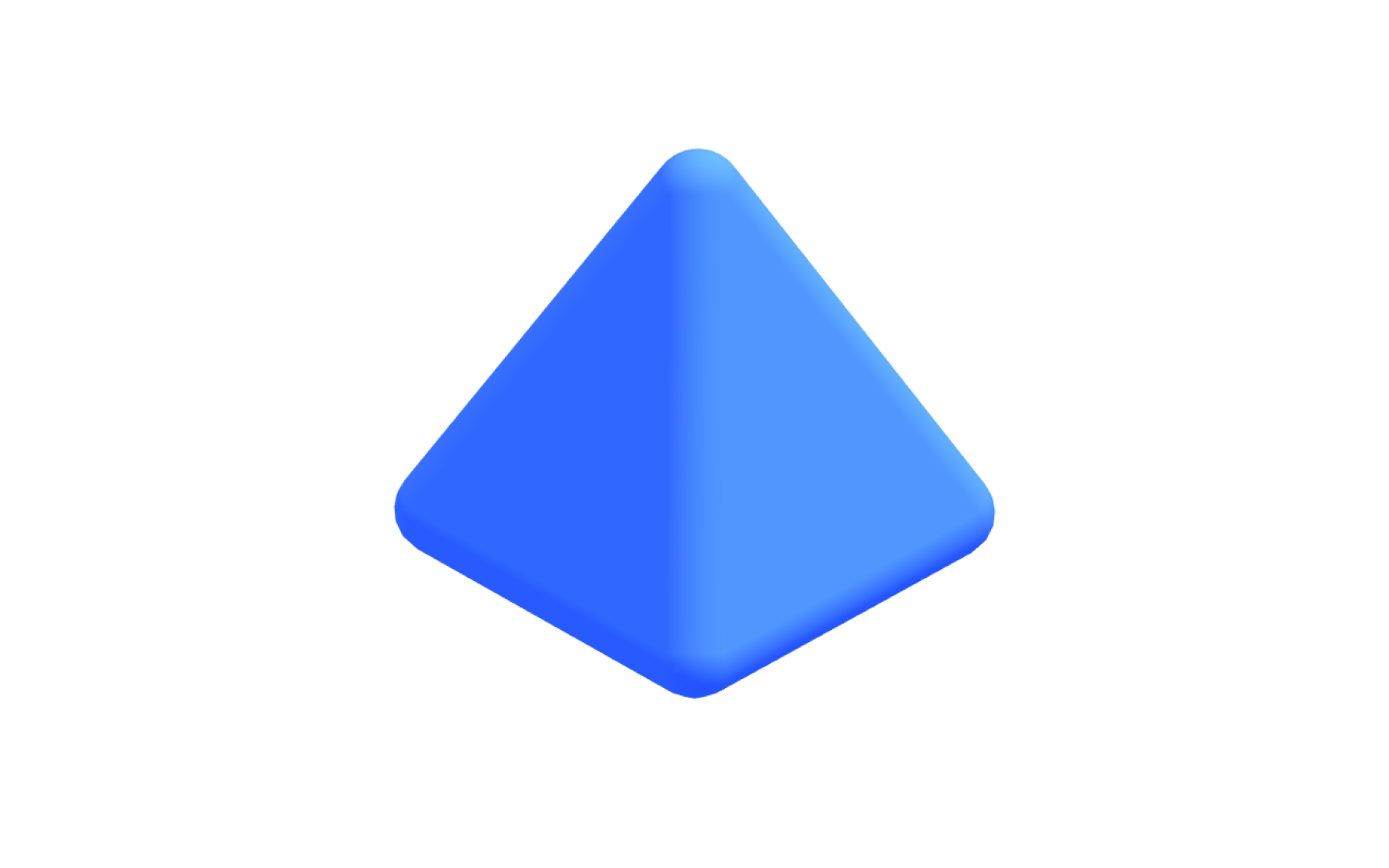
A rectangular pyramid has a rectangular base and 4 triangular faces that rise from each side of the base and meet at a single point called the apex. It is one of the most structurally recognizable shapes in human history. The Egyptian and Mayan pyramids are the most famous examples, and their enduring stability comes from how the rectangular base distributes weight over a broad, widening footprint.
In 3D modeling, the rectangular pyramid is a practical primitive for architectural work, environmental design, and any context requiring a tapered form. Roof structures, spires, tent shapes, and mountain silhouettes all share its basic geometry. The pyramid is also a useful starting point for hard-surface details. Tapered protrusions, beveled caps, and angular accent forms can often be derived from a modified pyramid.
Unlike the Platonic solids, a rectangular pyramid does not have uniform faces. The base is a rectangle while the sides are triangles, which means face distribution is uneven. This matters when applying textures or subdividing the mesh, as different faces may require different approaches.
The cylinder as a 3D primitive
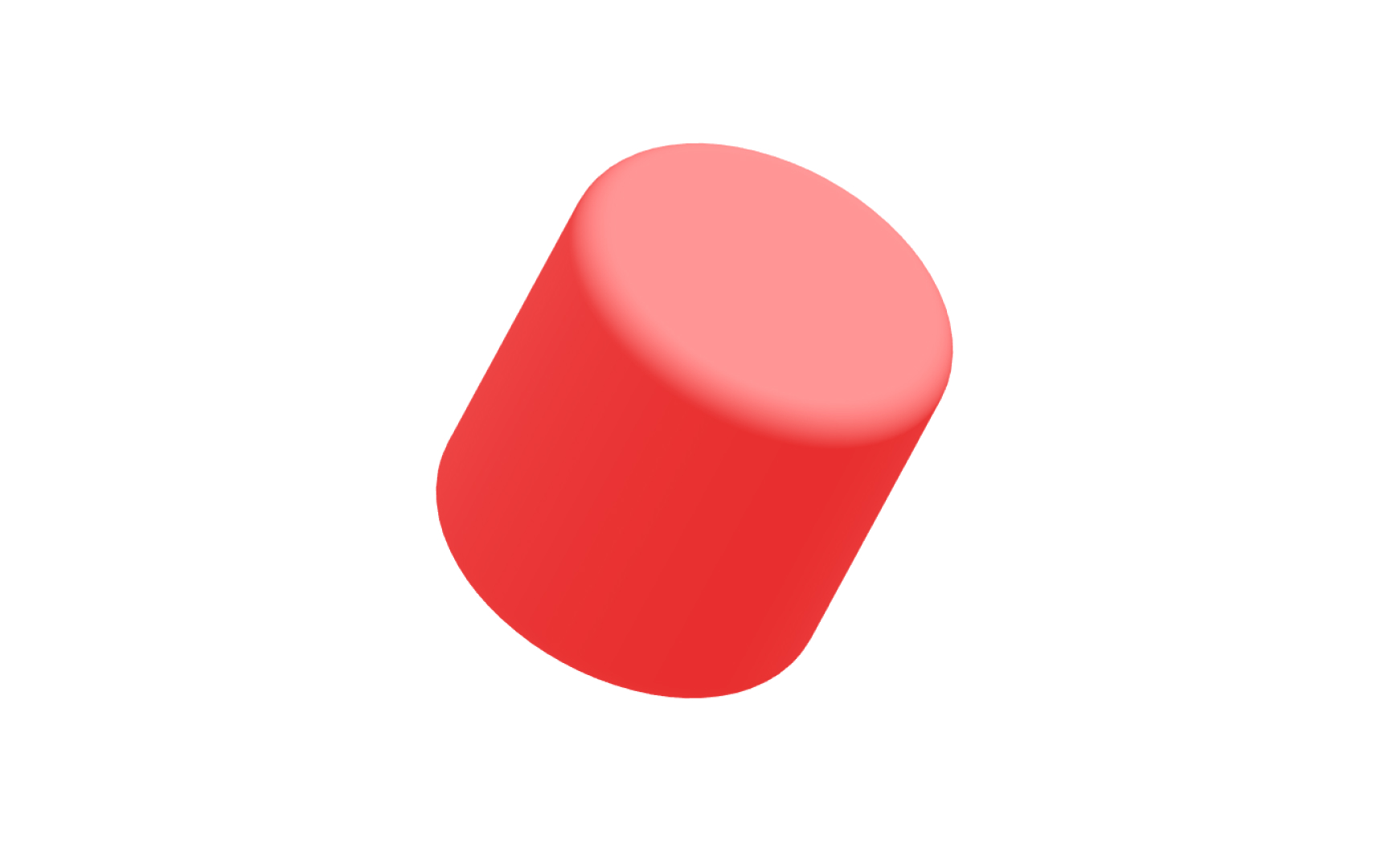
A cylinder has 2 identical flat circular faces, one at the top and one at the bottom, connected by a single curved surface. Unlike polyhedrons, its sides are not made of flat polygons but curves continuously around its central axis. In 3D software, this curve is approximated by a ring of rectangular faces whose number determines how smooth the cylinder appears from the side.
Cylinders are everywhere in both the natural world and the built environment. Pipes, bottles, cans, columns, tree trunks, and wheels are just some examples of this geometry. The cylinder is one of the most common forms in product and architectural design. This makes it an extremely practical primitive, used constantly as the starting point for mechanical components, organic shapes, and structural elements.
The transition between the flat end caps and the curved side of a cylinder creates hard edges. In a final render, these edges are either sharpened or smoothed, depending on how normals are set. Learning to control this behavior, deciding when a cylinder's edge should look crisp versus rounded, is a fundamental part of getting clean-looking 3D models.
The cone as a 3D primitive
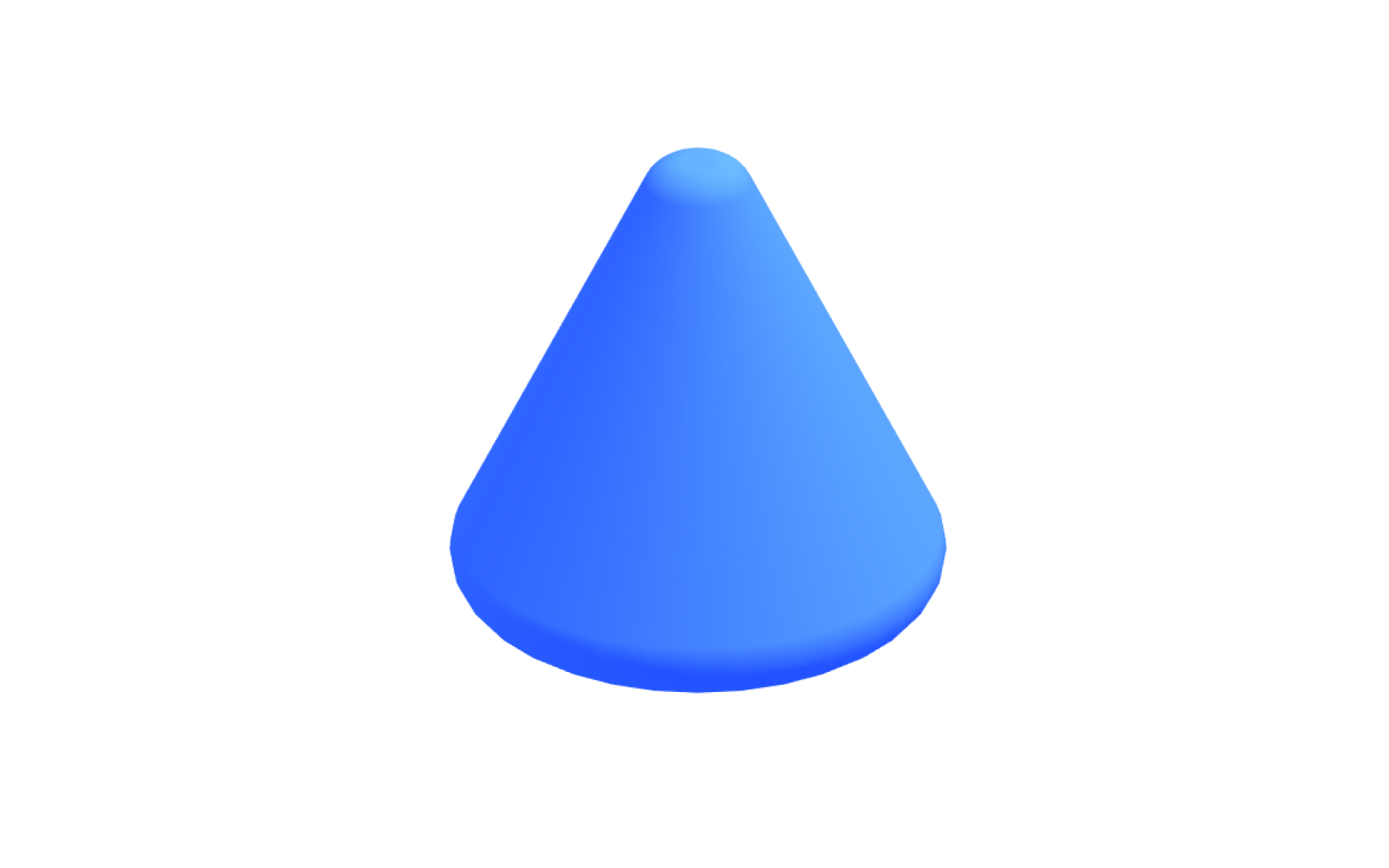
A cone has a circular base, a single curved surface that tapers upward, and a point at the top called the apex or vertex. Like the cylinder, its curved surface is approximated in 3D software by a ring of triangular faces connecting the base circle to the apex. The number of these faces controls how smooth or faceted the cone appears when viewed up close.
Traffic cones, party hats, ice cream cones, funnel shapes, architectural spires, and speaker horns all share this basic geometry. In product visualization and packaging design, the cone is often used to create tapered forms, nozzles, and pointed caps. In environmental and architectural 3D, it serves as the basis for rooftops, mountains, and decorative finials.
One behavior specific to cones is the apex, a single point where all the triangular side faces converge. This convergence creates a natural tension point in the mesh. When smoothing or subdividing a cone, the apex tends to pinch or produce shading artifacts. Managing this requires either keeping the cone unsmoothed at the tip or rebuilding the apex geometry before applying subdivision.
We all carry cone cells, or cones, in our eyes.
What a torus is in 3D modeling
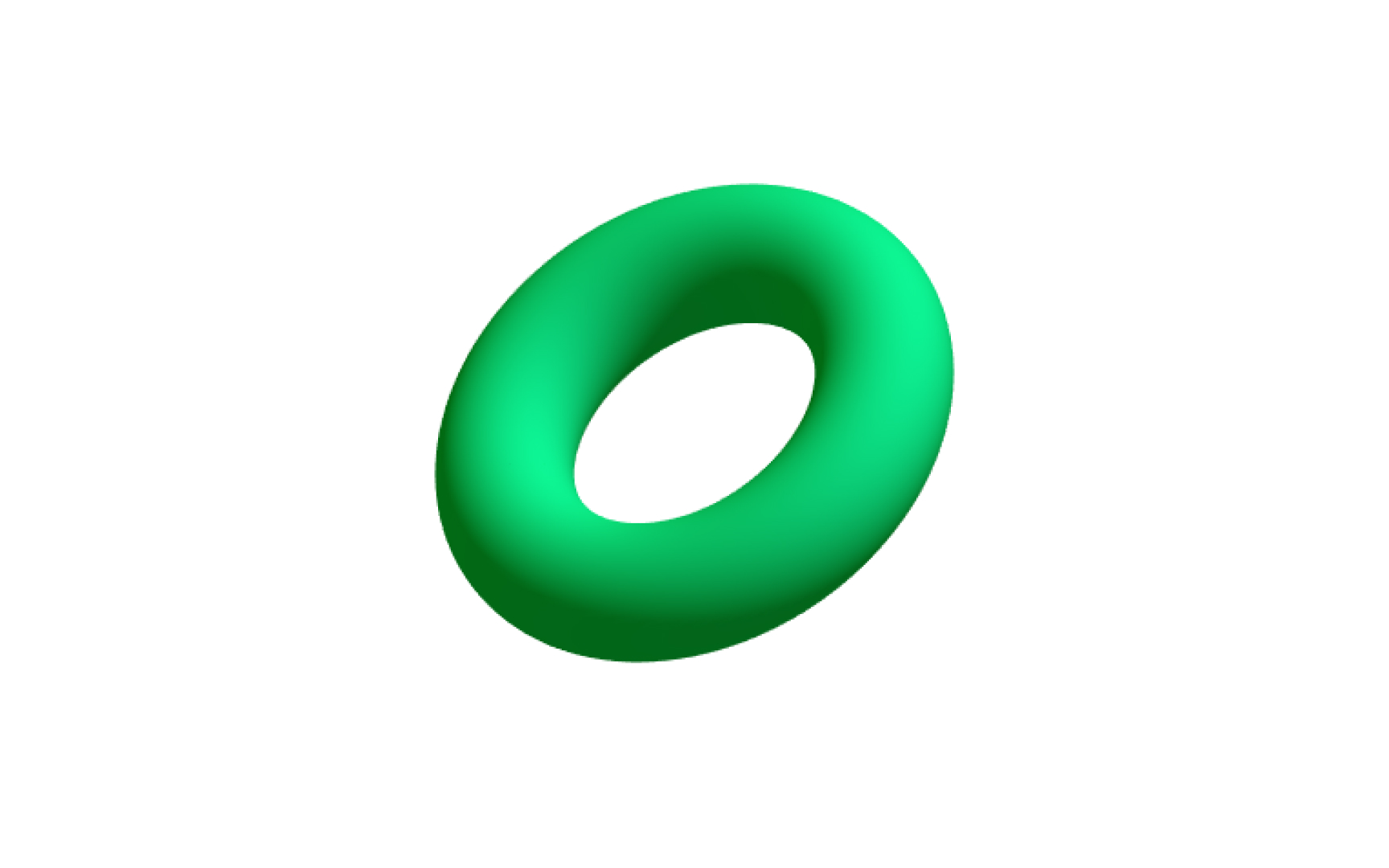
A torus is a 3D shape created by revolving a circle around an axis that lies in the same plane as that circle but does not intersect it. The result is a ring or donut shape. Think lifebuoys, bagels, rubber gaskets, or the rings of Saturn. Unlike most other primitives, a torus has no edges and no vertices. Its entire surface is continuously curved.
This continuous curvature makes the torus one of the more mathematically interesting primitives. It has two radii that control its shape: the major radius, which determines the overall size of the ring, and the minor radius, which determines the thickness of the tube. Adjusting these independently lets you create anything from a thin wire ring to a wide, fat donut with a small hole.
In 3D design, tori appear in jewelry, product visualization, mechanical design, and motion graphics. Rings and circular gaskets are the most direct applications, but the torus is also commonly used for circular track shapes, abstract design elements, and topology studies. Because it has no corners or sharp transitions, it is a useful test shape for evaluating how smoothly a renderer handles continuously curved surfaces.
Pro Tip! A torus with a very large minor radius relative to its major radius starts to self-intersect. Useful for abstract forms, but a problem in mechanical contexts.
What a torus knot is in 3D
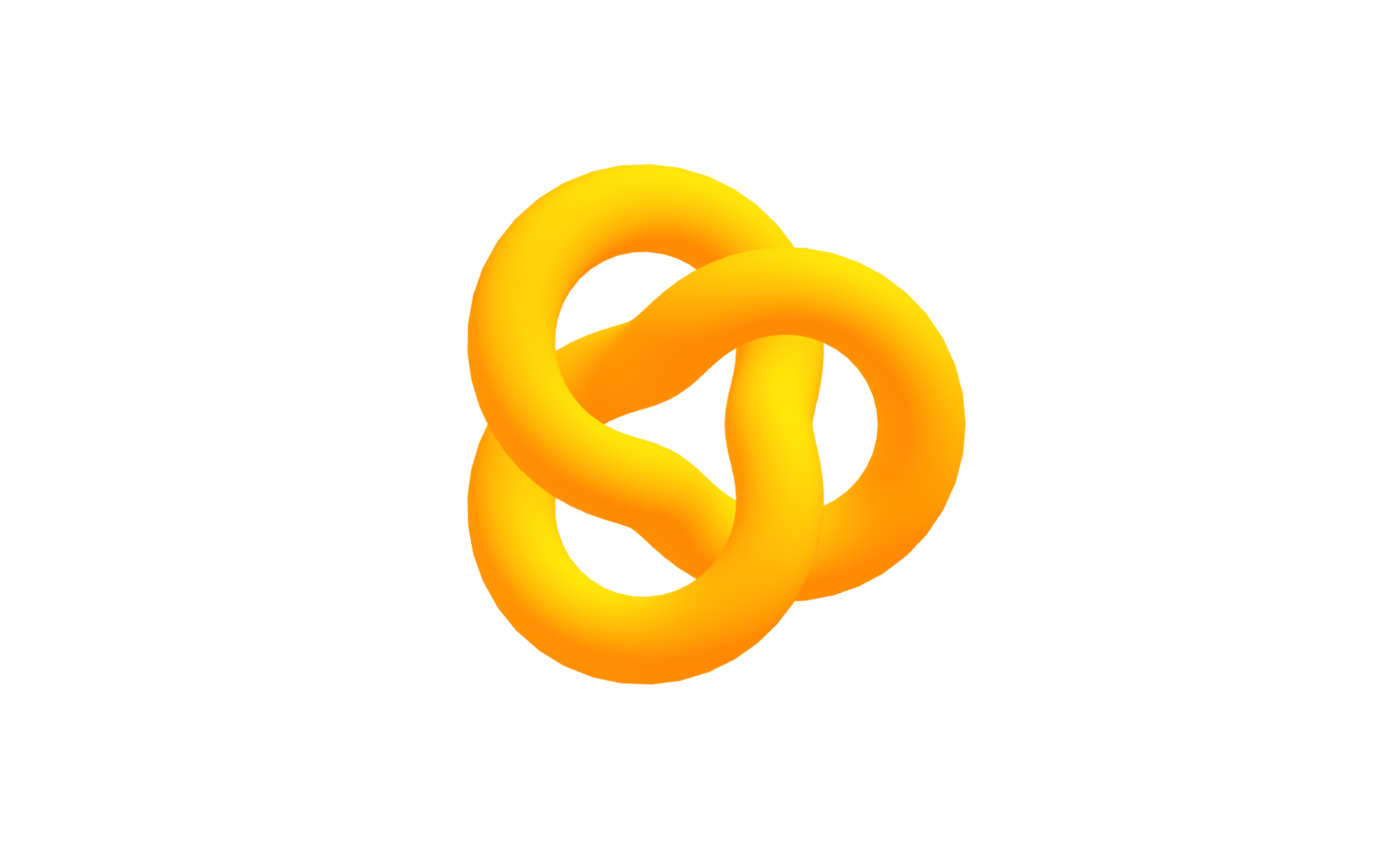
A torus knot is a knot that winds around the surface of a torus in a continuous, looping path without ever crossing itself or leaving the surface. It curves around the torus's central axis a set number of times while simultaneously looping through the hole of the torus. The result is a twisted, braided form that looks complex but is generated from 2 simple whole numbers: how many times it winds around the outside and how many times it threads through the center.
Unlike other primitives, the torus knot is not a shape commonly found in the physical world. It belongs to a category of mathematical objects that 3D software can generate easily but that have no simple real-world analog. This makes it primarily a design and artistic tool rather than a functional modeling primitive. Motion graphics designers, generative artists, and 3D illustrators use torus knots for their visually intricate, knotted forms.
The torus knot also has properties that are valuable for topology studies. Its surface is continuous and smooth throughout, with no hard edges or singularities. This makes it useful for testing how materials wrap around complex curved geometry and how rendering engines handle surfaces with high curvature and rotational complexity.[7]