



.svg)


User testing often brings up really uncomfortable truths. Users can't find the button your team spent three days debating. They completely misunderstand the value proposition you refined for weeks. They abandon tasks you considered straightforward. Instead of facing these issues directly, most teams test in ways that generate reassurance rather than insight. They ask "would you use this?" or "do you like this?" and users say yes out of politeness or optimism about future behavior they won't actually follow through on. Teams walk away feeling validated, ship the product, then wonder why adoption falls flat. The pattern repeats because nobody wants to hear that months of work missed the mark.
Good testing means watching users struggle without rescuing them, even when every instinct screams to intervene and explain. It means recruiting people who actually represent your user base instead of grabbing whoever's convenient. It means creating realistic tasks that mirror real usage instead of walking people through happy paths. Most importantly, it requires clarity about what you're measuring. "Do you like this?" measures politeness and hypothetical interest. "Complete this task without guidance" measures whether your design actually works. Teams that embrace brutal honesty in testing make better products because they catch problems while fixing them is still cheap and straightforward.
Why conduct user testing
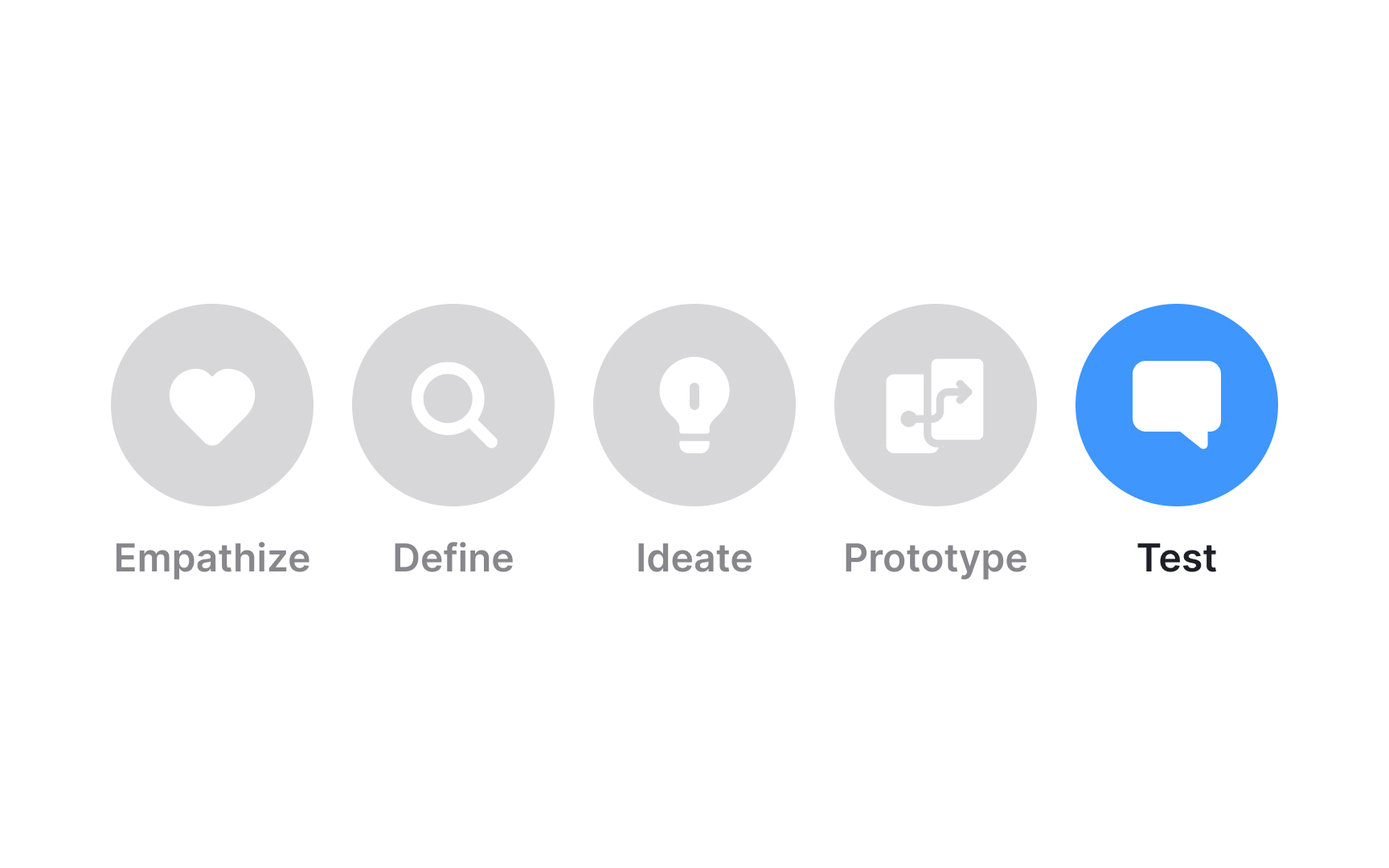
Testing is crucial in the design thinking process for several important reasons, each tied to a critical aspect of product development:
- Meeting user needs: Testing concept designs or prototypes with customers ensures that the product meets their wants and needs, confirming its practical appeal to the target audience.
- Market viability: It's not sufficient for a product to interest a small group; it must have a large enough market for a successful business. Testing helps determine market saturation and guides decisions on product positioning.
- Practicality: Testing assesses the feasibility of turning a concept into a functional product. This involves considering the availability of resources, necessary technology, and whether the concept can be realized within existing constraints.[1]
When to conduct user testing
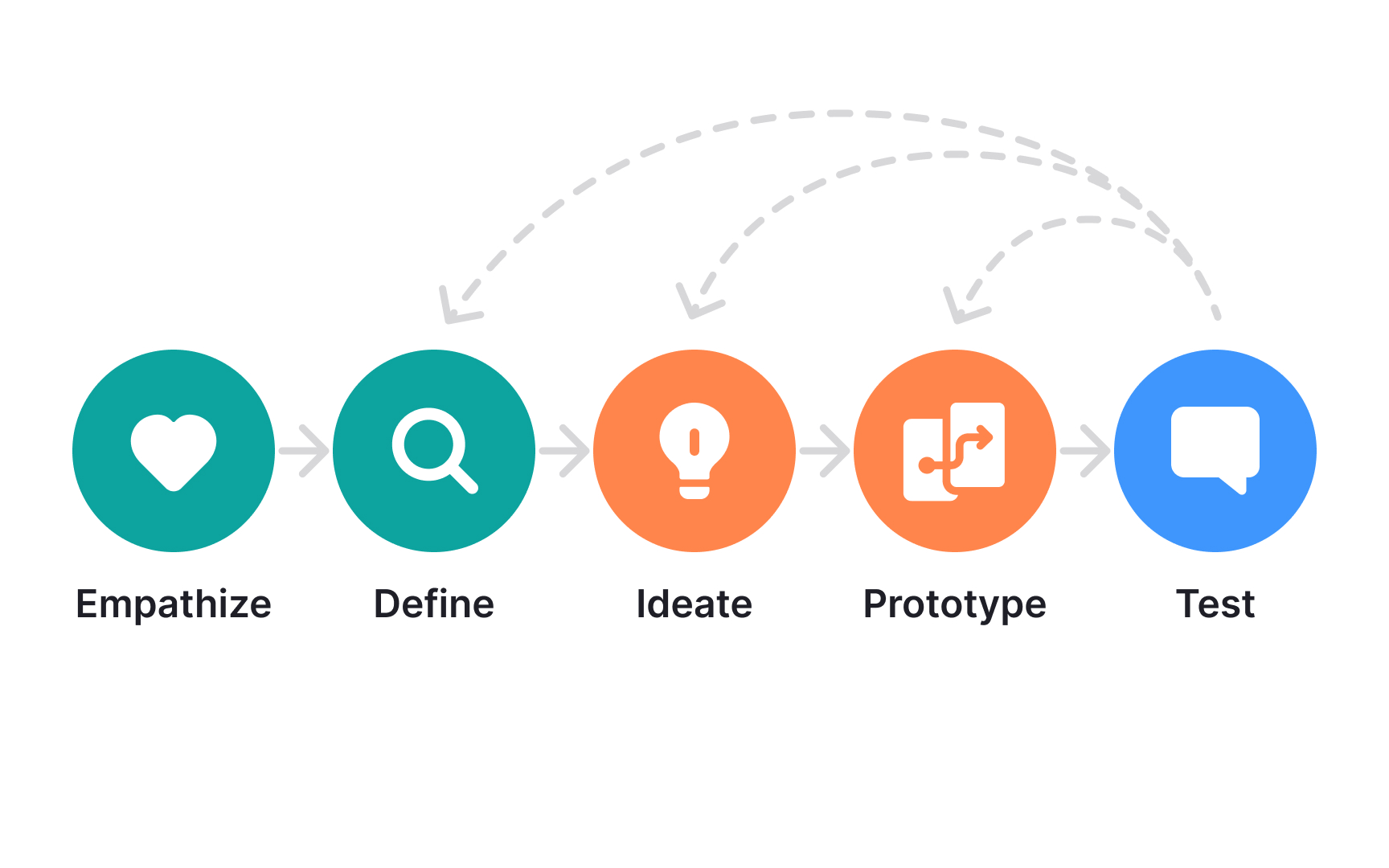

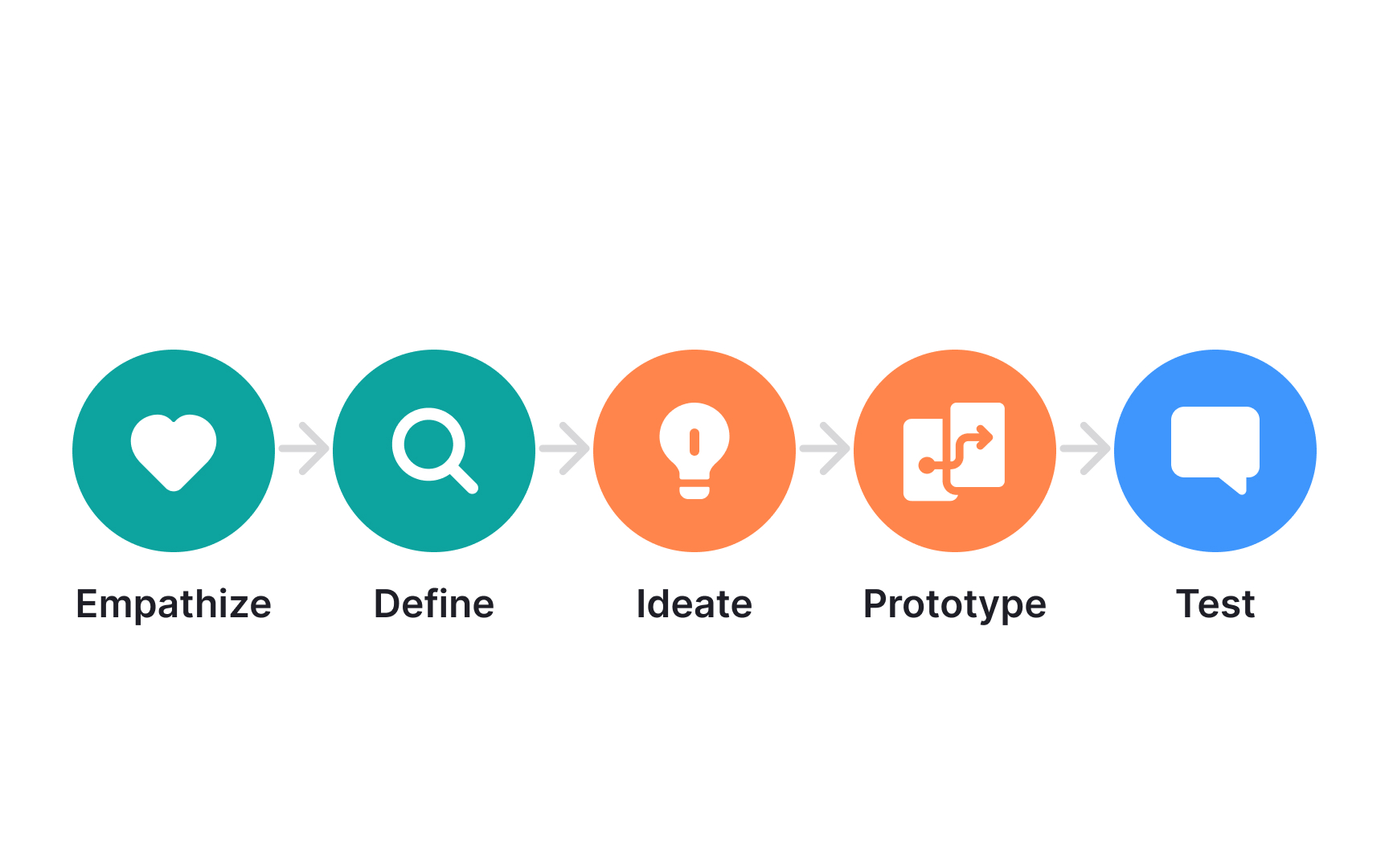

Testing goes hand in hand with prototyping and can be used to assist in every stage of the design thinking process. Test prototypes to:
- Enhance empathy: Testing prototypes can enhance your understanding of users and refine empathy by revealing their real needs and experiences.
- Refine problem definition: Insights from testing can lead to redefining the problem statement, ensuring it aligns more closely with actual user needs.
- Inspire new ideas: User interactions during testing often generate innovative ideas, influencing the ideation phase with fresh perspectives.
- Improve prototypes: Continuous testing provides feedback for iterative improvements, making prototypes more effective in solving user problems.
Set the testing goals
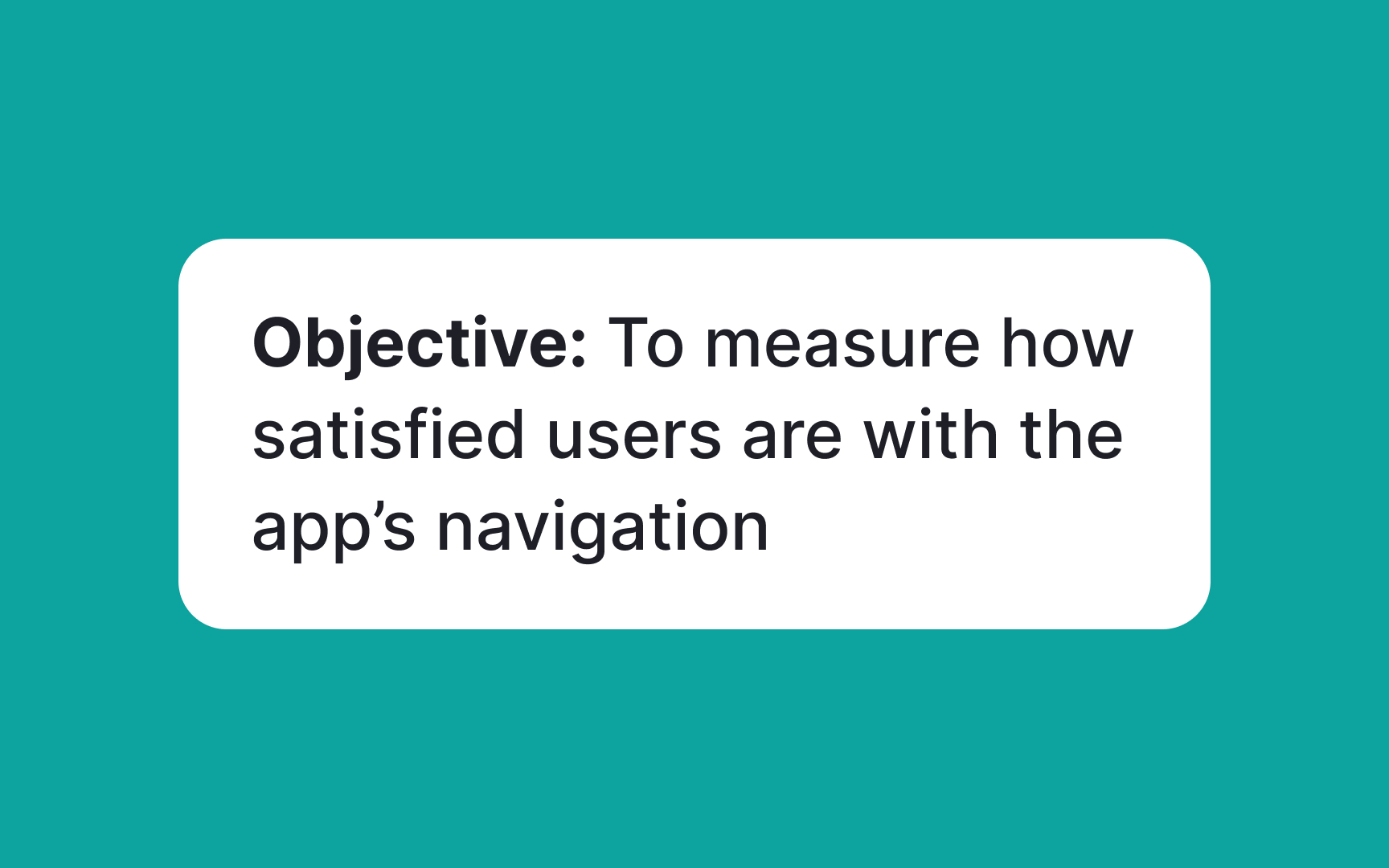
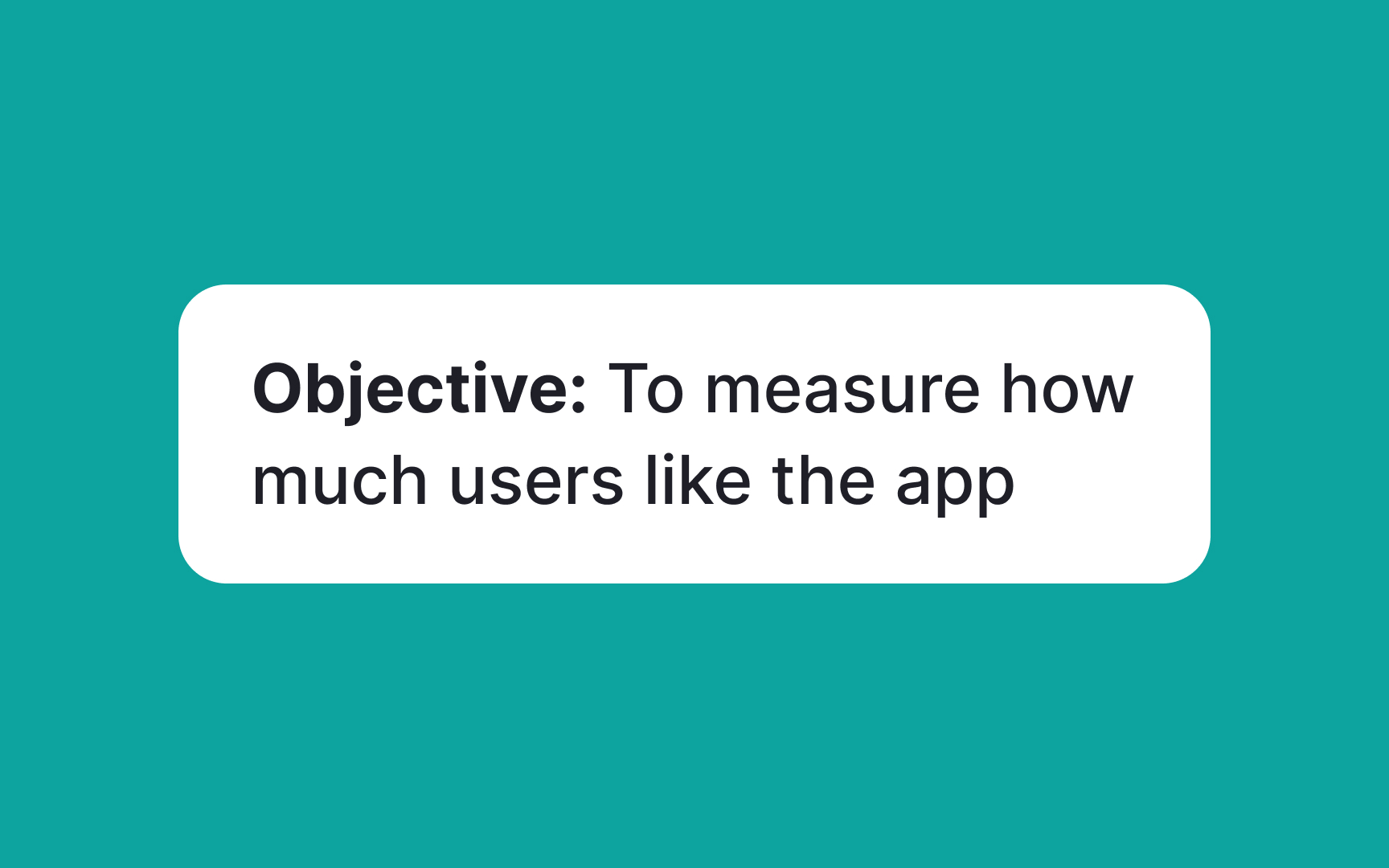
Writing effective test goals helps in gaining meaningful insights. Here are some tips for crafting good test goals:
- Specificity: Define precise aspects of the product you're testing, like "assessing the load time of the web app on different devices."
- User-centricity: Align goals with real user needs. For a fitness app, focus on how it helps users in tracking workouts.
- Measurability: Ensure goals have quantifiable outcomes, like "determine the percentage of users who can complete a task without assistance."
- Stage relevance: Match goals with your development stage. Early stages might test concept appeal while later stages test specific functionalities.
- Diverse perspectives: Incorporate a range of user views, such as testing an educational app with both students and teachers.
- Real-world scenarios: Reflect actual use cases in your goals. For example, if it's a travel booking app, simulate scenarios like last-minute bookings or itinerary changes.
- Feasibility: Set achievable goals within your project's timeline and resources.
Create a testing plan
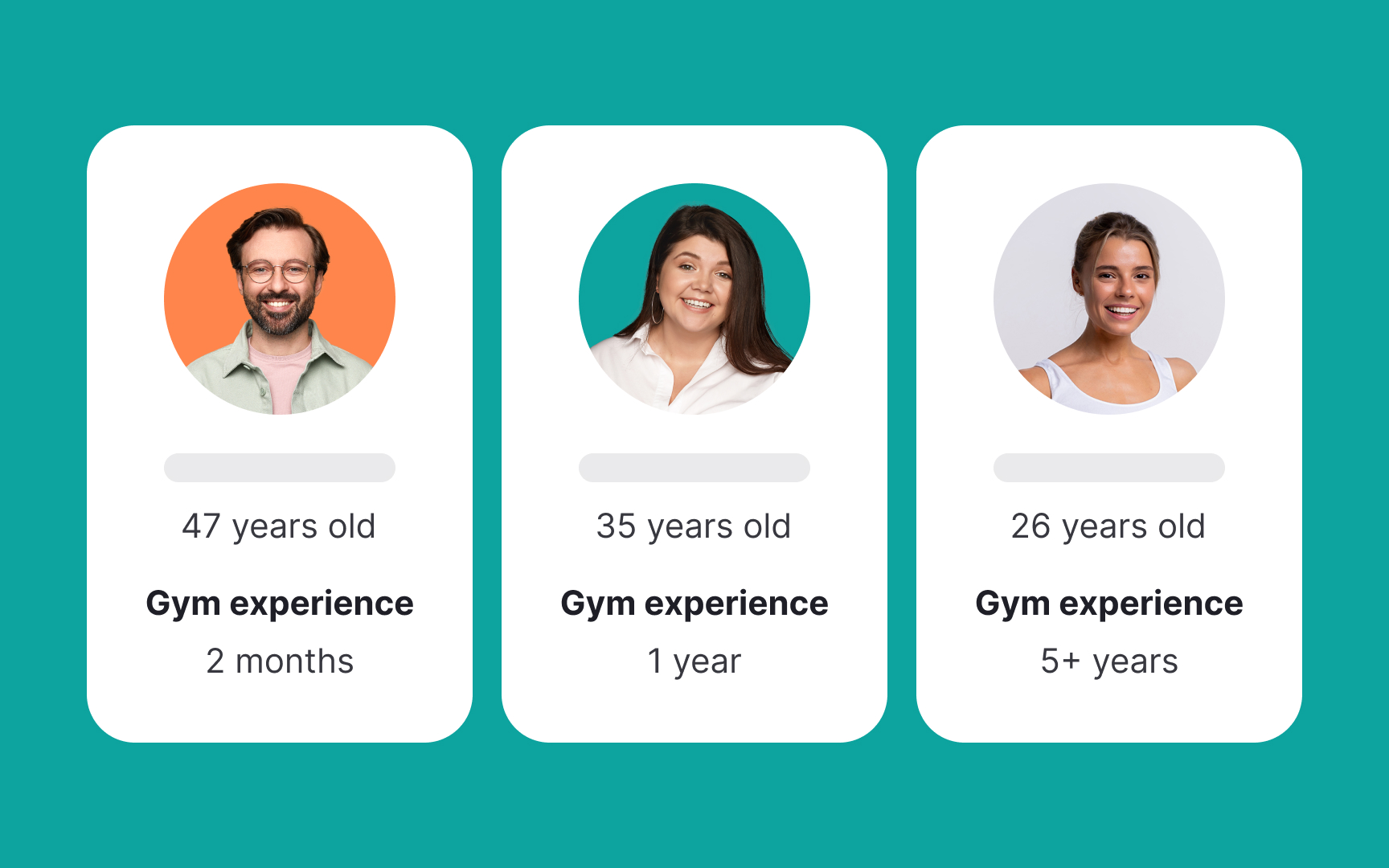
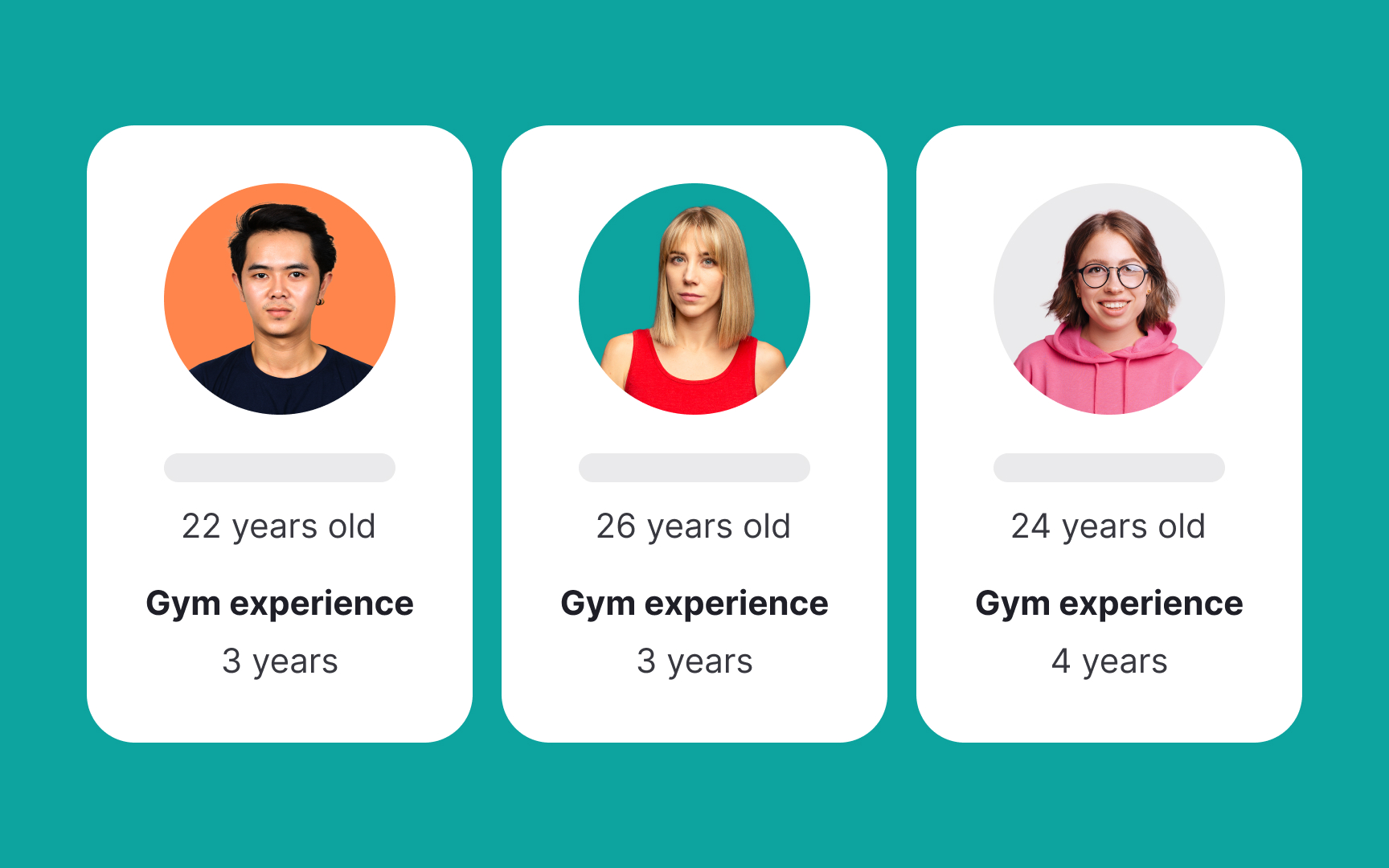
A well-structured testing plan helps obtain valuable insights and guides the iterative development of your product. Here are the steps to create one:
- Choose test group: Select diverse participants representing your target audience to ensure varied feedback.
- Define test parameters: Set clear parameters, including aspects of the product to test (like usability or functionality), the testing environment (lab or real world), and test duration.
- Prepare materials: Ready your prototypes based on the test objectives.
- Design test methodology: Choose a testing format (interviews, surveys, usability tests) and plan for data collection.
- Conduct test: Execute the plan, observing user interactions and collecting data.
- Analyze and iterate: Analyze results to spot trends and areas for improvement, then refine your prototype and plan additional tests if needed.
Provide context for test participants

Context helps participants understand the intended use and environment of the product, ensuring their feedback aligns with real-world scenarios. However, it's crucial to avoid influencing their opinions.
To effectively provide context to users:
- Present factual information about the product's purpose and function without persuasive language.
- Describe typical situations where the product might be used, allowing participants to relate their experiences to these scenarios.
- Ensure the provided context neither overstates nor understates the product's capabilities.
- Make it clear that all feedback from them, whether positive or negative, is valuable and there are no right or wrong answers.
Observe how users interact with prototypes
Observing users interact with a prototype can help understand its usability. Here are some key things to keep an eye out for:
- Intuitive use: Observe if users can naturally navigate the prototype without guidance. For example, do they struggle to find the Submit button in your app or is it obvious?
- Error frequency: Note how often and where users make errors, such as entering incorrect data in a form field.
- Non-verbal cues: Pay attention to body language and facial expressions for signs of confusion or frustration.
- Interaction duration: Measure how long it takes to complete tasks. Longer times may indicate usability issues.
- Workarounds: Notice if users create their own solutions, indicating a gap in your design.
Pro Tip! If possible, record the session for further analysis, ensuring you don't miss subtle interactions.
Encourage users to be vocal
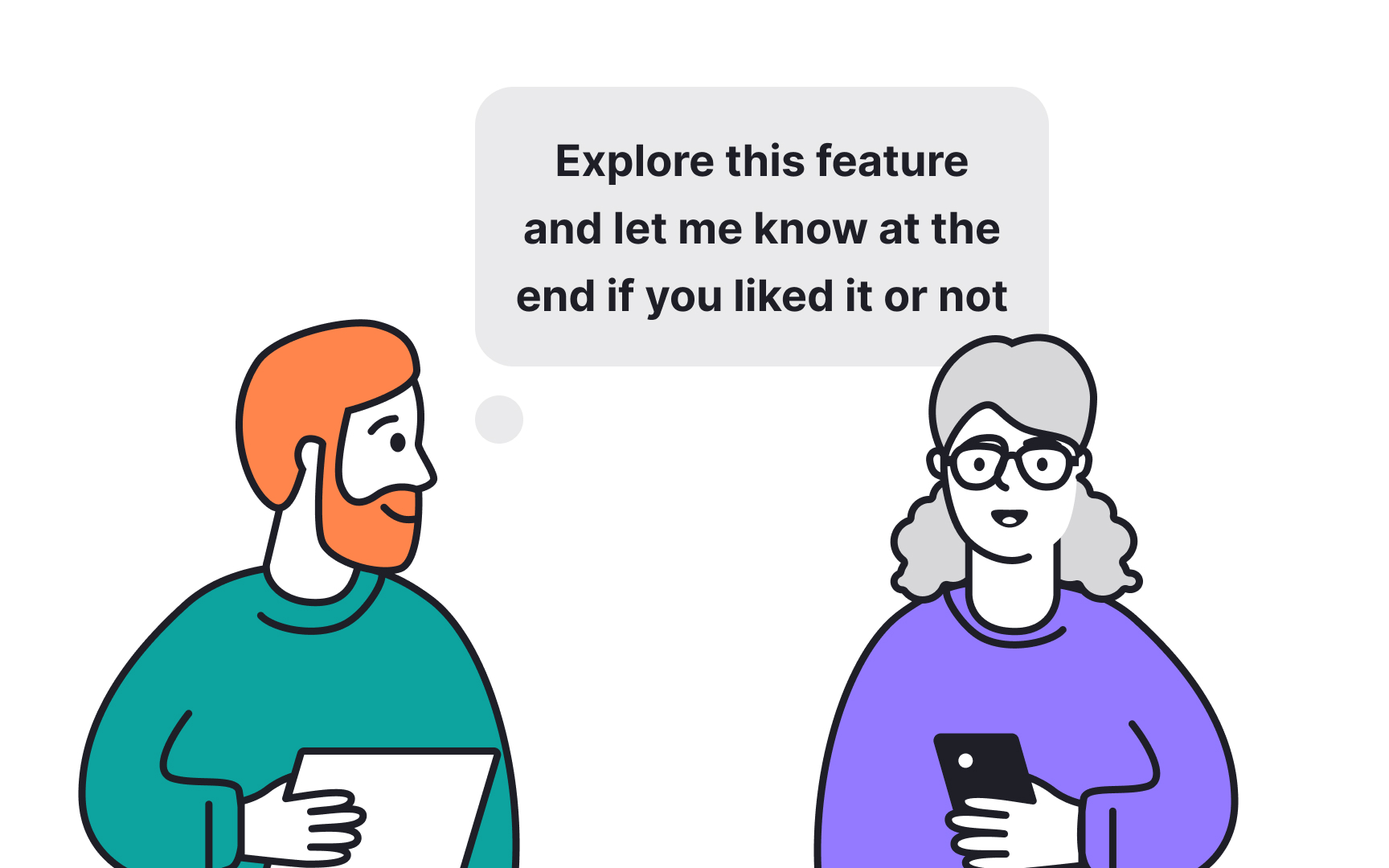
Encouraging users to vocalize their thoughts while interacting with a prototype can yield deep insights into their experience, often uncovering minor yet significant issues.
To begin with, assure users that their honest opinions are valued and there are no right or wrong answers. Next, ask users to verbalize their thoughts and actions as they navigate the prototype. For example, "I'm looking for the settings button now," or "I expected this tab to show my profile." If users become silent, gently prompt them with questions like "What are you thinking about right now?" or "Can you describe what you're trying to do?"
Remind them throughout the session that all feedback, including negative or critical, is helpful.
Ask follow-up questions
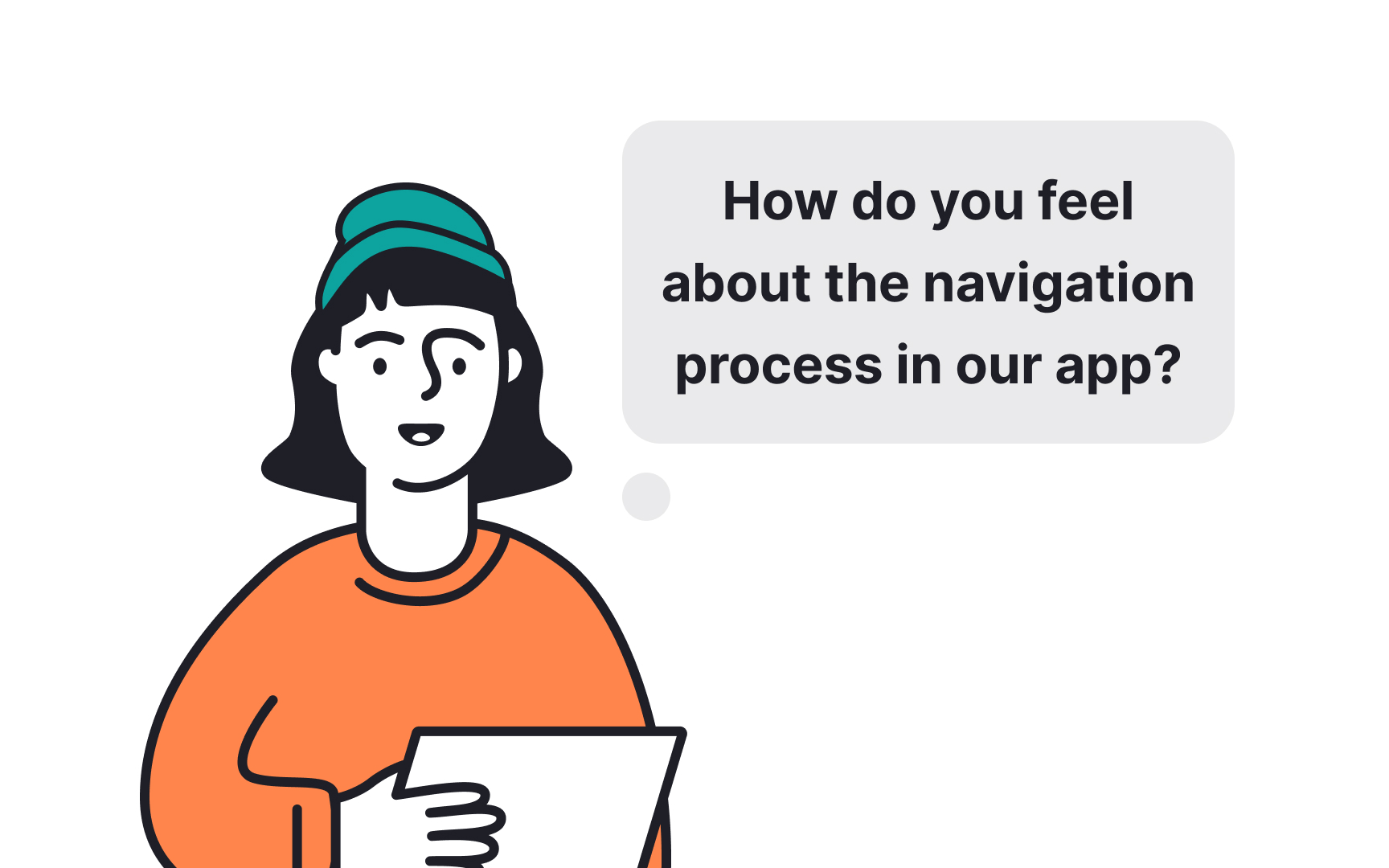
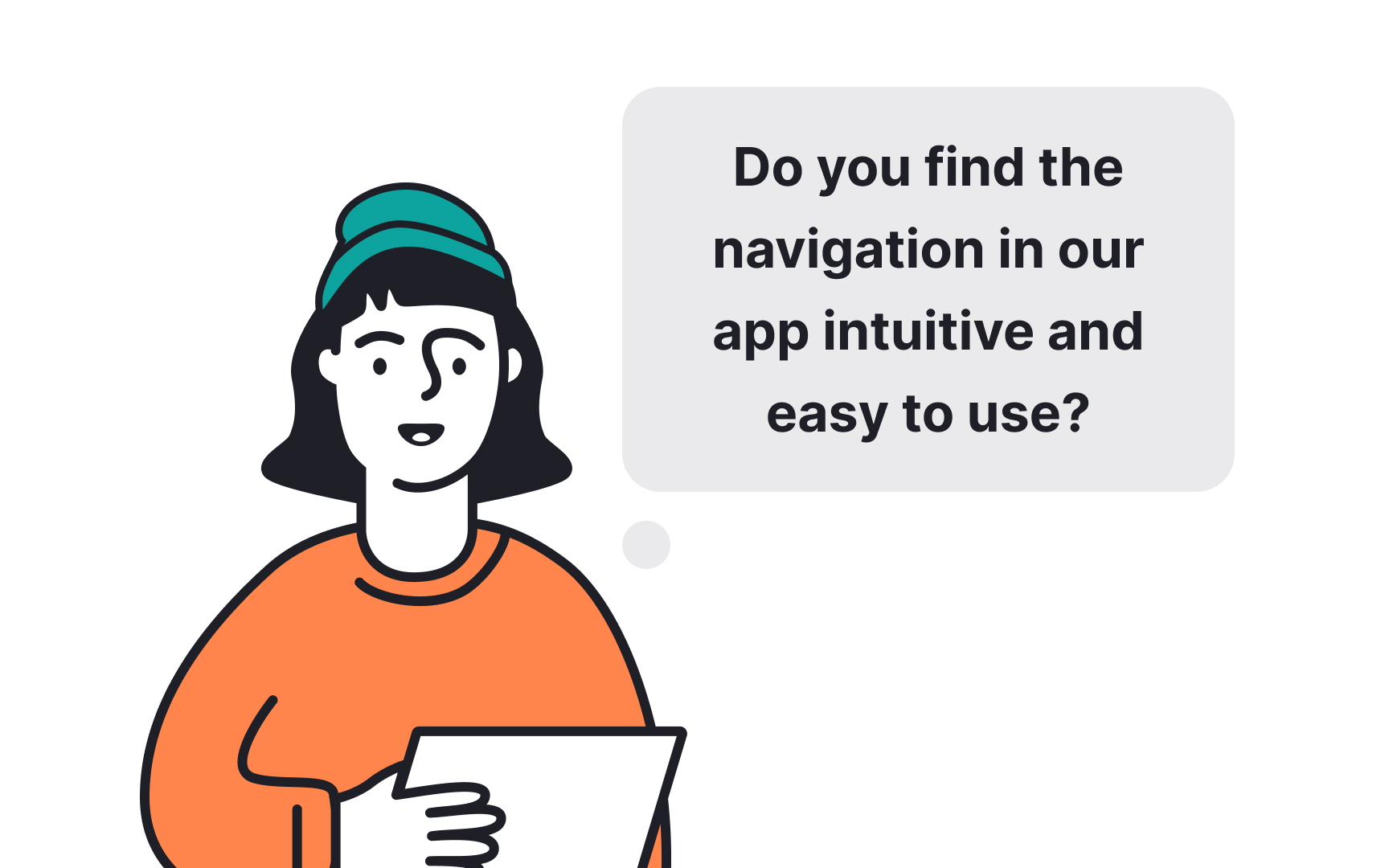
Having follow-up queries helps you, as a designer, overcome your own biases and gain clear, detailed insights into the user experience. Here's how to effectively ask follow-up questions:
- Clarify responses: If a user's comment is vague or general, ask for specifics. For example, if they say, "This feature is confusing," follow up with, "Could you tell me what specifically about this feature is confusing to you?"
- Probe for reasons: When users express a preference or dislike, delve deeper into their reasoning. Ask, "What makes you like/dislike this aspect?"
- Encourage storytelling: Invite users to describe scenarios in which they might use the product, asking questions like, "How would you use this feature in your daily routine?"
- Avoid leading questions: Frame queries neutrally to avoid biasing responses. For instance, instead of asking "Do you think this layout makes finding information easier?" use a more neutral question like "How does this layout affect your ability to find information?”
Stay away from biases
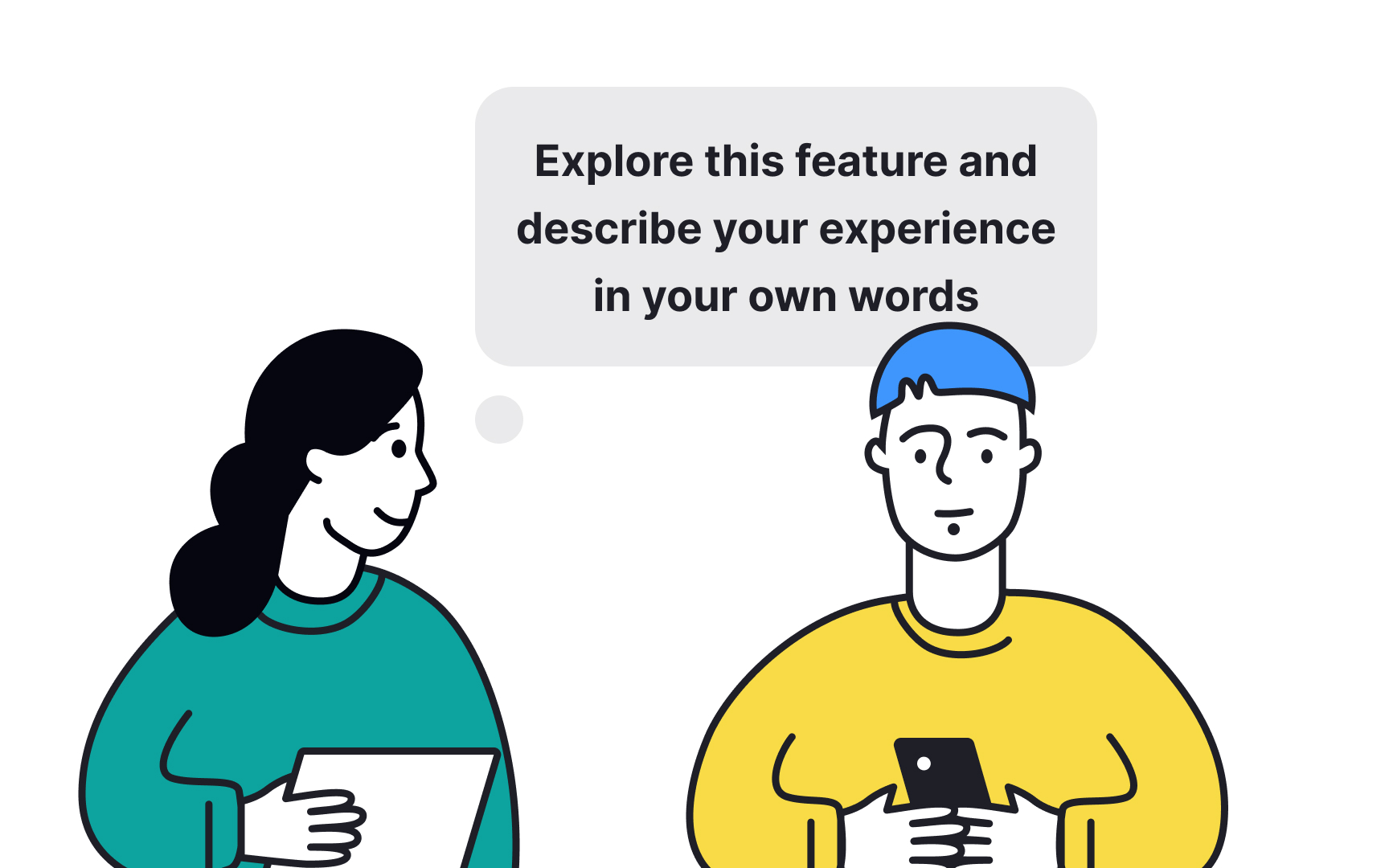
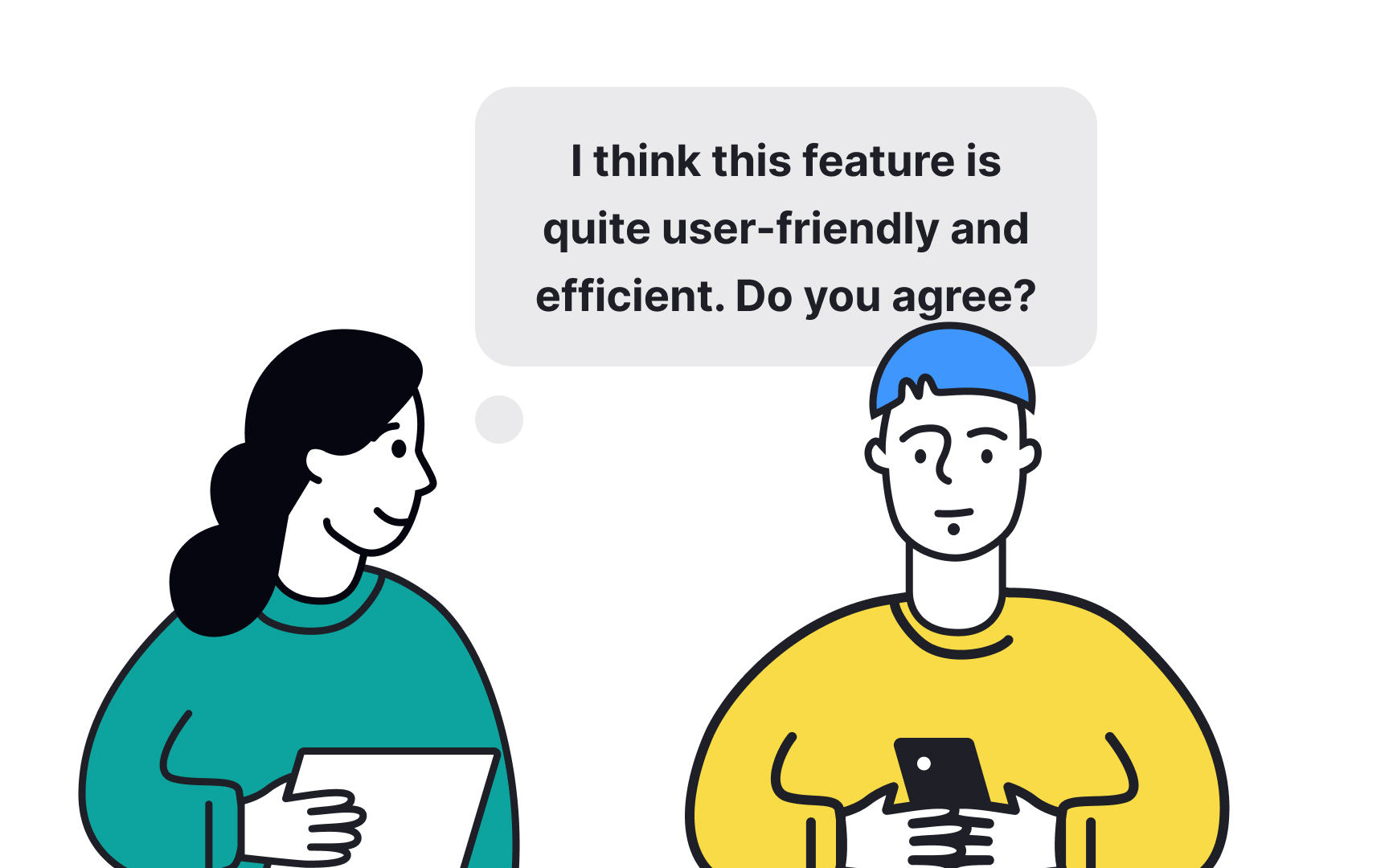
Observing users without interjecting your opinions is crucial for unbiased prototype testing. Remain as unobtrusive as possible. Let the user interact with the prototype without interruption. For example, if a user struggles with a feature, resist the urge to explain it. Instead, ask about and note the difficulty they're experiencing.
Also, maintain a neutral demeanor. Avoid nodding or shaking your head in response to user actions, as this could subtly influence their behavior. Most importantly, save your questions and comments for after the user has completed their interaction. This prevents your input from altering their natural usage patterns.
Iterate your design solutions
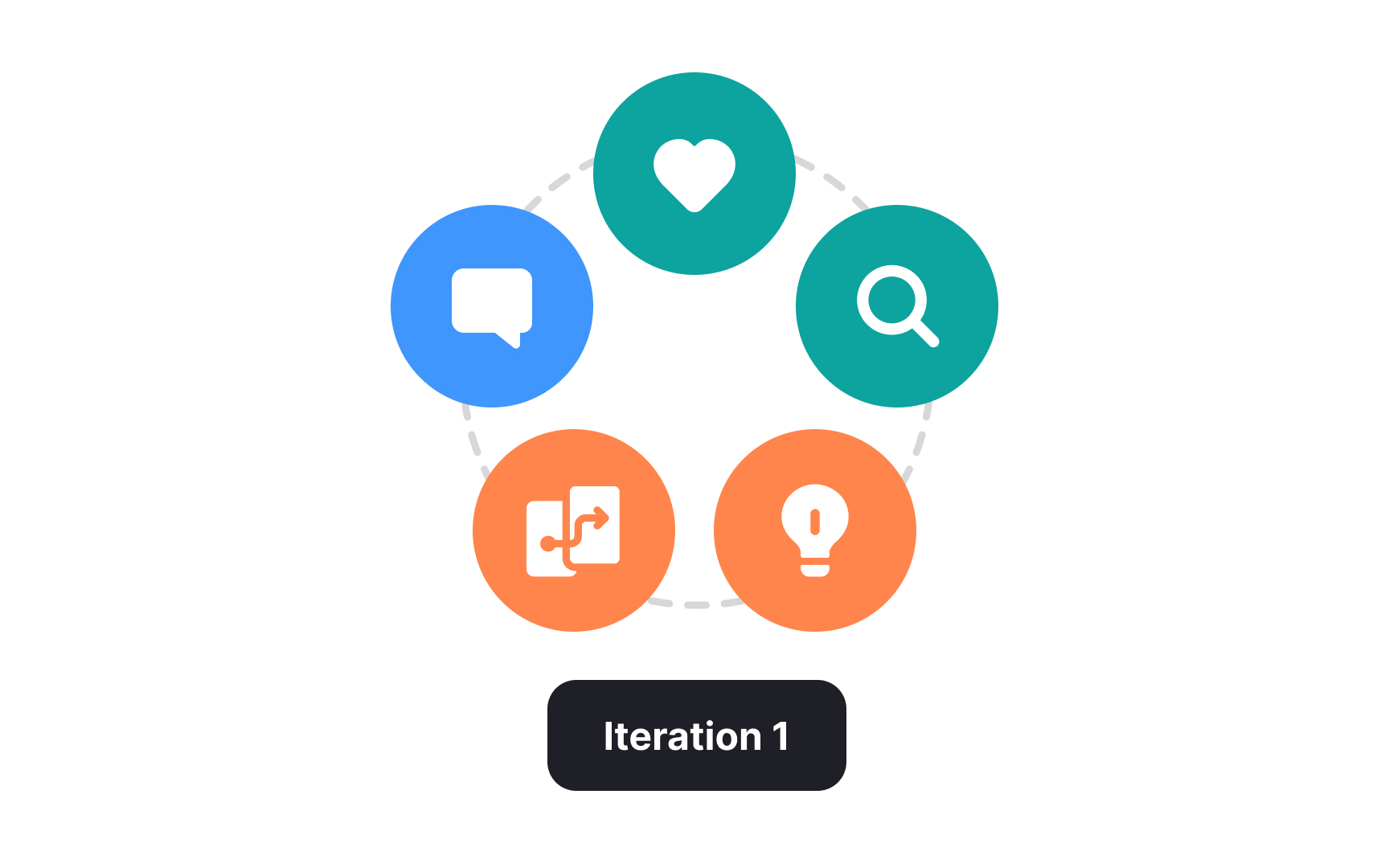
Iteration after user testing the prototype helps refine the product based on real-world feedback. Here’s how to approach it:
- Analyze feedback: Collect and analyze all user feedback. Identify common themes, such as a feature that consistently confuses users.
- Prioritize changes: Determine which feedback is most critical to address. For example, if multiple users struggle with the app's navigation, prioritize redesigning the navigation interface.
- Implement adjustments: Make the necessary changes to the prototype. In the navigation example, this might involve simplifying menus or writing more helpful microcopy.
- Retest: Once changes are made, retest the prototype with users. This ensures the modifications have effectively resolved the issues without introducing new problems. Use the same users from initial user testing sessions to see if issues are fixed and new users for fresh perspectives, keeping testing conditions consistent for comparability.
- Repeat if necessary: Continue the cycle of testing, analyzing, modifying, and retesting until the prototype meets both user needs and design goals effectively.



