Apple Human Interface Guidelines

Learn Apple’s Human Interface Guidelines to design modern, high-performing apps, focusing on UI principles and best practices for creating effective interfaces.

Start course for free

1665

learners enrolled

Apple Human Interface GuidelinesGene Kamenez

CEO

at

Uxcel

Rating

4.3

39

ratings

Skill level

Intermediate

Skill level

Online

100% online

Learn at your own pace

Course certificate

Course certificate

Shareable & industry-recognized

About this course

The Apple Human Interface Guidelines (HIG) represent the cornerstone of creating exceptional digital experiences across Apple's ecosystem. This comprehensive course empowers teams to master the fundamental principles, patterns, and best practices that make Apple's platforms instantly recognizable and intuitive to billions of users worldwide.

In this course, you'll discover how to leverage Apple's design principles to create apps and interfaces that feel natural and engaging on iOS, iPadOS, and macOS. Learn the essential elements of Apple's visual language, from typography and color to layout and spacing, ensuring your interfaces maintain consistency with the platform while standing out for their quality and attention to detail.

Through practical examples and in-depth exploration of Apple's interface components, you'll understand how to implement navigation patterns, create effective user interactions, and create experiences that seamlessly adapt across Apple devices. Whether you're working on a simple utility app or a complex productivity tool, this course provides the knowledge and insights needed to craft interfaces that truly belong on Apple platforms.

Icon

Intermediate

level

Icon

About

5

hours to complete

Icon

Gamified and interactive

Icon

18

lessons,

4

levels

Icon

Certificate of completion

Icon

English language

Icon

Learn on iOS or Android

Icon

Online at your own pace

Icon

Last updated

January 28, 2026

Skills you’ll learn:

Learn Apple's design philosophy

Master the core principles and values that guide the creation of exceptional experiences across Apple platforms

Master platform patterns

Discover how to implement iOS and macOS interface patterns that users already know and love

Design consistent experiences

Learn to create interfaces that feel native to Apple platforms while maintaining your app's unique identity

Explore component guidelines

Understanding when and how to use Apple's UI components to create intuitive and efficient interfaces

Topics

Who this course is for

UX/UI Designers

Design apps that align with Apple's platform conventions, from navigation patterns to visual language across iOS, iPadOS, and macOS

Mobile Developers

Build interfaces that feel native to Apple's ecosystem by understanding the design principles behind the platform's components and interactions

Product Managers

Make more informed decisions about Apple platform features and provide stronger design direction for apps targeting Apple devices

Apple Human Interface Guidelines
Start course for free

or

Get full access with Pro membership:

Icon

50+ expert-created courses

Icon

Industry-recognized certifications

Icon

Guided career paths & more

Learn more
Included with Pro & Teams
New: Product Manager Career Path

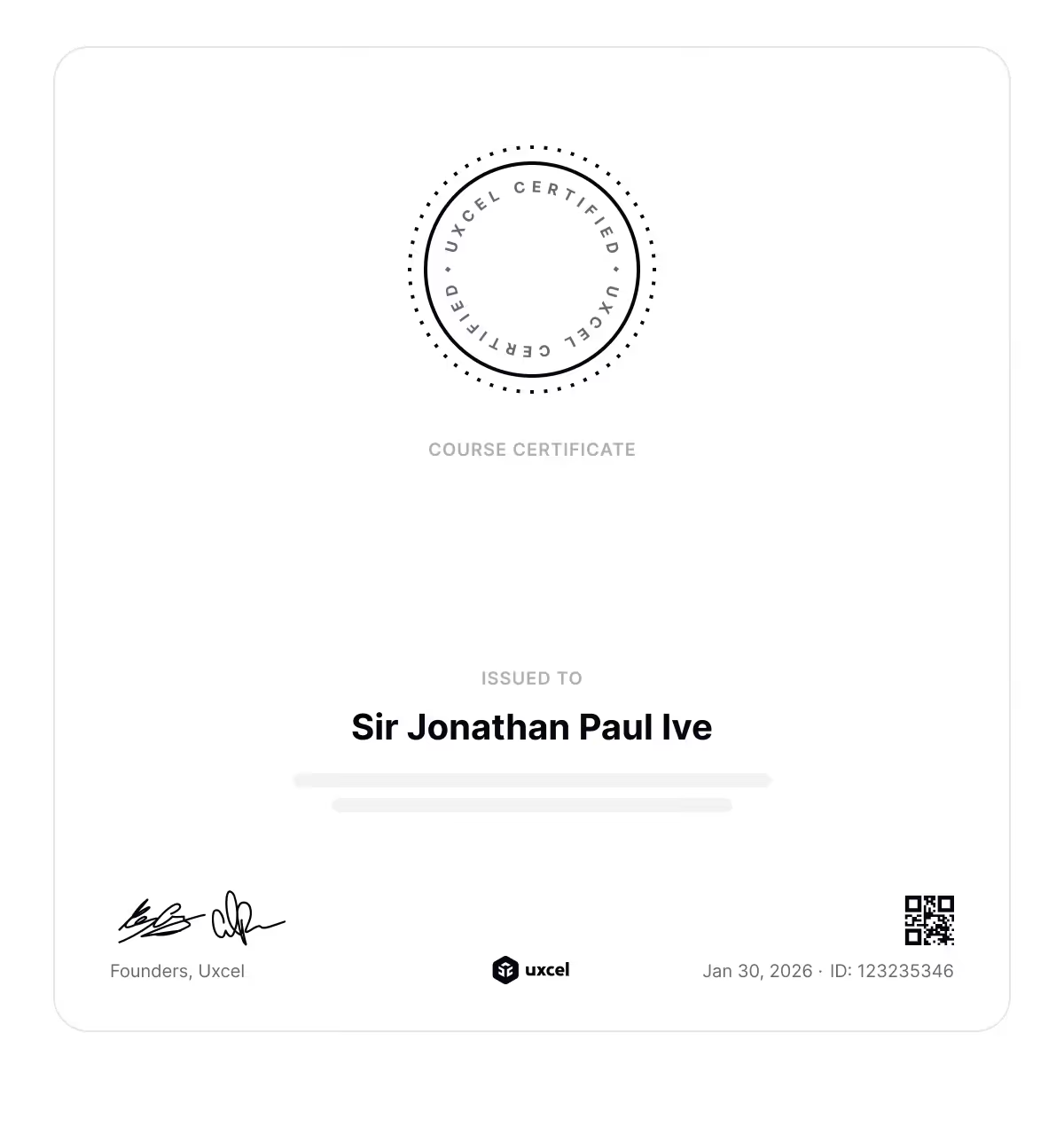
Showcase your skills with course certificate

Earn industry-recognized certificate that you can add to your portfolio, share with HR managers, add to LinkedIn, and use to grow your career.

  • Icon

    Standalone page

  • icon
    Showcases studied skills
  • icon
    Never expires
  • icon

    Industry recognized

CertificateApple Human Interface Guidelines

Apple Human Interface Guidelines

Meet your course instructor

Gene Kamenez
Gene Kamenez

CEO

at

Uxcel

UxcelLinkedin profileWebsite

Hi, I’m Gene. If bootcamps and scattered tutorials haven’t worked for you, you’re not alone. They promise a lot but often leave you with theory you can’t use and skills that feel outdated before you even start applying them.

I taught myself design by doing. Over 15 years, I freelanced, joined startups, worked in enterprise, made mistakes, and learned what actually matters. That journey led me to co-found Uxcel — an all-in-one platform for designers, product managers, and other product professionals to build their skills effectively, even with busy lives.

Over the past 6 years I’ve watched how over 500K professionals grew their skills and career with Uxcel. Self-paced learning, bite-sized lessons, and a gamified experience help you learn faster. No rigid schedules. Five minutes a day is enough to make real progress. You build a habit of continuous learning — something that’s no longer optional with AI changing how product teams work.

Our courses cover design, product management, and AI. Whether you’re starting out, switching careers, or already working in product, the goal is the same: step beyond your core role, build cross-functional skills, and collaborate more effectively with your team. AI gives you leverage, but you still need strong foundations to use it well.

What you learn here shows up in real work. Let’s start growing your skills.

Stars

4.3

(

39

)

Loved by learners from world’s top companies

Uxcel is the best UX learning experience I’ve had! I’ve tried many platforms, but Uxcel is on another level. I love its digestible lessons, real-world guidance, and short quizzes that reinforce learning. And all of this comes at an extremely fair price!
Alexandra Kirnerova
Alexandra Kirnerova
Product Designer
Uxcel really is the Duolingo of UX/UI! It makes it very easy to learn by chunks on a daily basis, so interactive and fun! And the content it's extremely helpful, I've learned tons already!Very well invested money and time.
Diana Mancía
Diana Mancía
Product Designer
I was amazed when I used Uxcel for the first time. The traditional e-learning platforms are tedious and boring with too much redundant information.
Dries De Schepper
Dries De Schepper
UI Designer
Uxcel has a powerful approach to teaching design—it might just hold the secret to the future of education. Plus, the membership is affordable and accessible to all.
Leonardo Monsalve
Leonardo Monsalve
Product Designer
Uxcel has been incredibly insightful and has helped me grow as a designer. The platform is easy to use and packed with valuable information that has enhanced my skills and knowledge in UX/UI design.
Paulette Moreno
Paulette Moreno
Product Designer
Congrats to the Uxcel team for creating amazing courses! Learning through real cases in a fun, interactive way is perfect for me.
Randall Aguirre
Randall Aguirre
Product Designer
No items found.
Company logoCompany logoCompany logoCompany logoCompany logoCompany logoCompany logoCompany logoCompany logoCompany logoCompany logoCompany logo

Join over 500K learners and start

Build real skills, get certified, and grow fast in the AI-powered product world. Ready to stand out?
Icon

Over 50 courses

Icon

Professional certiications

Icon

Live events & more

Our course library is used by forward-thinking educational institutions
Company logo
Company logo
Company logo
Company logo
Company logo
Company logo

Frequently asked questions (FAQs)

Still have questions? Let's talk

What is the Apple Human Interface Guidelines Mastery course about?
Why should I take the Apple Human Interface Guidelines Mastery course?
What prior knowledge do I need before taking this course?
What are the pricing options for the course?