.svg)


Accessibility research is the practice of including users with disabilities, situational limitations, and diverse needs in the research process. It goes beyond reviewing guidelines or running automated checks. To design products that genuinely work for a wide range of users, teams need direct input from the people those products are meant to serve.
The overlap between accessibility and usability is significant. Improvements made for users with visual, motor, or cognitive differences often benefit everyone. Larger tap targets help users with motor impairments and users in a hurry. Clear error messages help screen reader users and anyone encountering a form for the first time. Research that includes people with disabilities tends to surface friction that standard usability testing misses.
Running accessibility research requires some adaptation to standard practices: adjusting recruitment criteria, moderating sessions with assistive technologies, and knowing how to interpret findings in context. These skills are learnable, and the payoff is a more complete picture of how a product performs across the full spectrum of real users.
The role of accessibility in user research
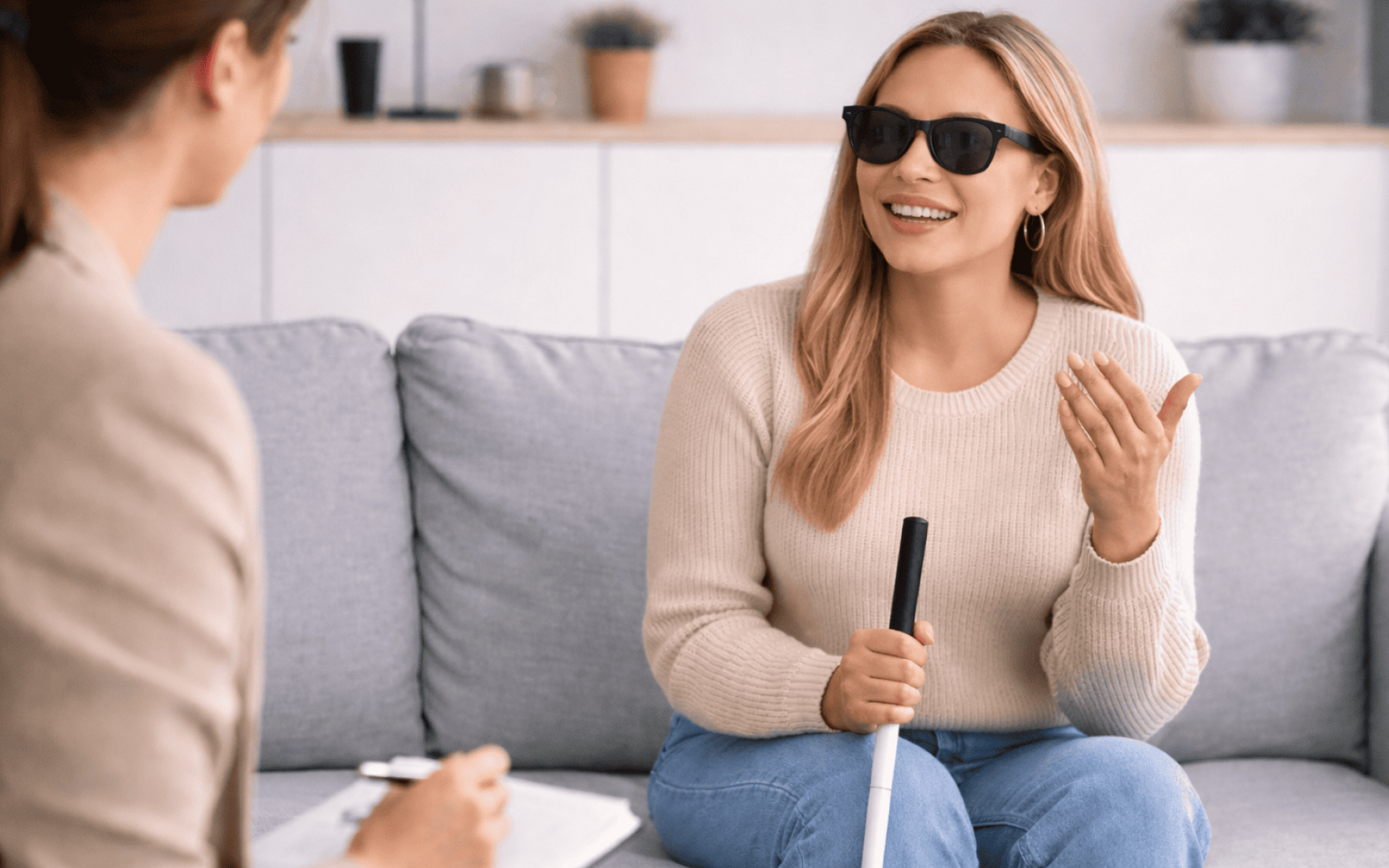
Including people with disabilities in your research makes your product better for everyone and reveals insights you'd otherwise miss.
Over 1 billion people worldwide live with some form of disability. Features designed for accessibility often benefit far more people than initially intended. Closed captions help people in noisy environments. Voice commands assist people cooking with messy hands. High contrast modes reduce eye strain during long work sessions.
When you design for extreme use cases, you create solutions that make products easier for everyone to use. Among key benefits are the following:
- Representative data: Research reflects your full user population, not a narrow segment
- Early problem detection: Finding accessibility barriers during research costs far less than fixing them after launch
- Real-world insights: Testing with users' own assistive technologies reveals how products perform in actual use
- Innovation driver: Constraints of accessible design spark creative solutions that improve overall usability
- Competitive advantage: Accessible products stand out in markets where accessibility remains an afterthought[1]
Include users with accessibility needs throughout development
Include users with accessibility needs from the start of your product development. Building accessibility in from the beginning ensures it becomes part of your product rather than something added later.
Why early inclusion matters:
Addressing accessibility after development is costly and time-consuming. Products built with accessibility from the beginning have significantly fewer issues during testing and require less rework.
More importantly, including people with disabilities throughout the process transforms them from testers into co-creators. Their insights drive innovation and reveal solutions that benefit all users.
How to implement:
- Research and planning: Involve users with disabilities during initial research to understand existing barriers and needs
- Design phase: Test prototypes with diverse users including those using assistive technologies
- Development: Include accessibility testing as code is written, not after features are complete
- Throughout: Engage people with disabilities at every stage as collaborators, not validators
Treating accessibility as a late-stage compliance check creates barriers, requires expensive rework, and misses valuable perspectives that improve products for everyone.[2]
Prepare your research process for accessibility


Accessible research takes more time and preparation than standard studies, but the adjustments are straightforward once you know what to expect:
- Plan for longer timelines. Recruitment typically needs an extra week. If your agency usually finds participants in two weeks, give them three for accessibility research. Sessions often run 90 minutes instead of 60 because participants may need time to set up assistive technology or take breaks. Schedule 30 minutes between sessions to reset equipment and prepare for different access needs.
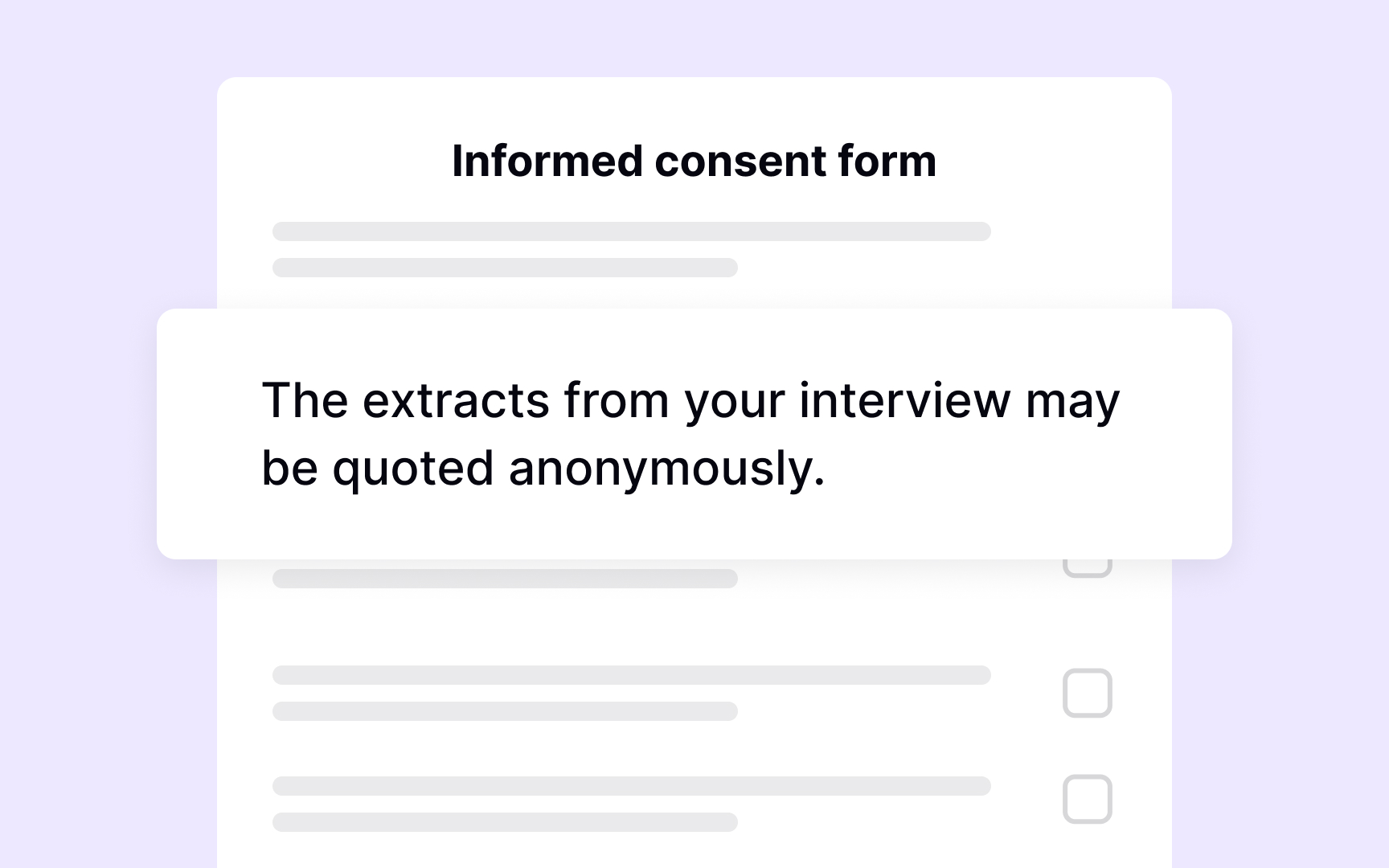
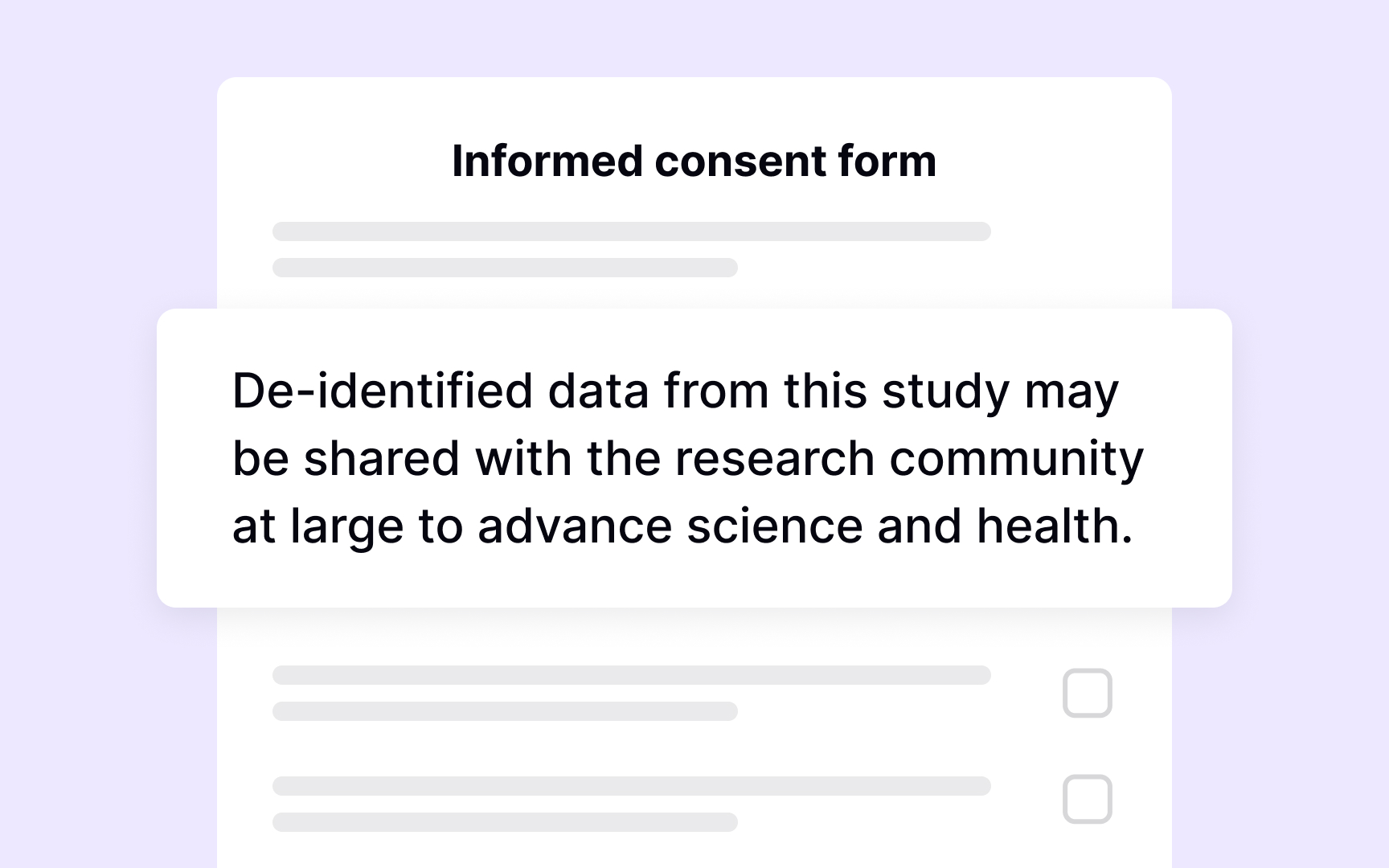
- Offer materials in multiple formats. Send consent forms and instructions ahead of time as accessible PDFs or plain-text emails. Some participants prefer phone screening over online forms. Having large print versions ready shows you've thought about their needs. This advance preparation removes time pressure from the session itself.
- Budget for real inclusion. Include costs for specialized recruitment, participant travel, and assistive technology licenses. These expenses ensure genuine participation rather than token involvement.
- Make your testing environment work. For in-person testing, verify the lab is physically accessible and has the assistive technologies participants use. For remote sessions, check that your tools support screen readers and offer captions.
Recruiting users with accessibility needs
Finding the right participants for accessibility research requires a different approach than standard recruitment:
- Broaden your criteria to find enough participants. Every additional requirement makes recruitment harder. If you need screen reader users who opened a bank account in the last 3 months, consider extending that window to 6 months. You'll still get valuable insights about the banking experience while expanding your participant pool. The more rigid your criteria, the longer recruitment takes and the fewer qualified candidates you'll find.
- Focus on access needs, not disability categories. People rarely fit neatly into categories like "visually impaired." Many have multiple impairments that affect how they use technology. Instead of recruiting "visually impaired users," look for screen reader users and magnification software users. Ask about assistive technology directly: "Do you use any assistive products to use computers daily?" This question reveals how people actually interact with your product rather than making assumptions based on medical diagnoses.
- Recruit for variety within access needs. Include people using different assistive technologies and experience levels to capture diverse perspectives.
Comply with disability etiquette
Before your sessions, ensure that you are familiar with disability etiquette. It will help you interact and communicate with participants respectfully and ensure that they feel relaxed and comfortable.
Basic disability etiquette includes:
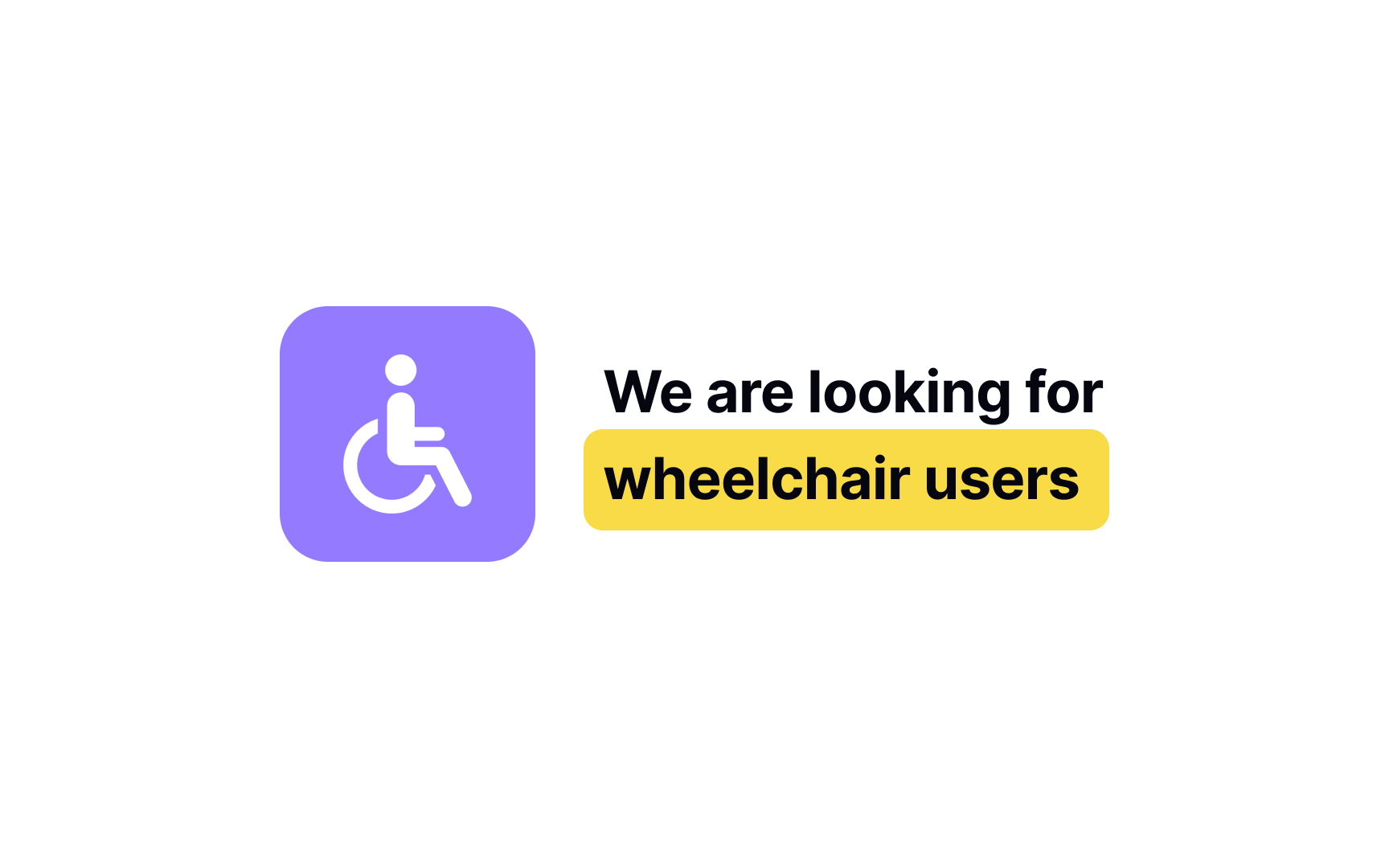
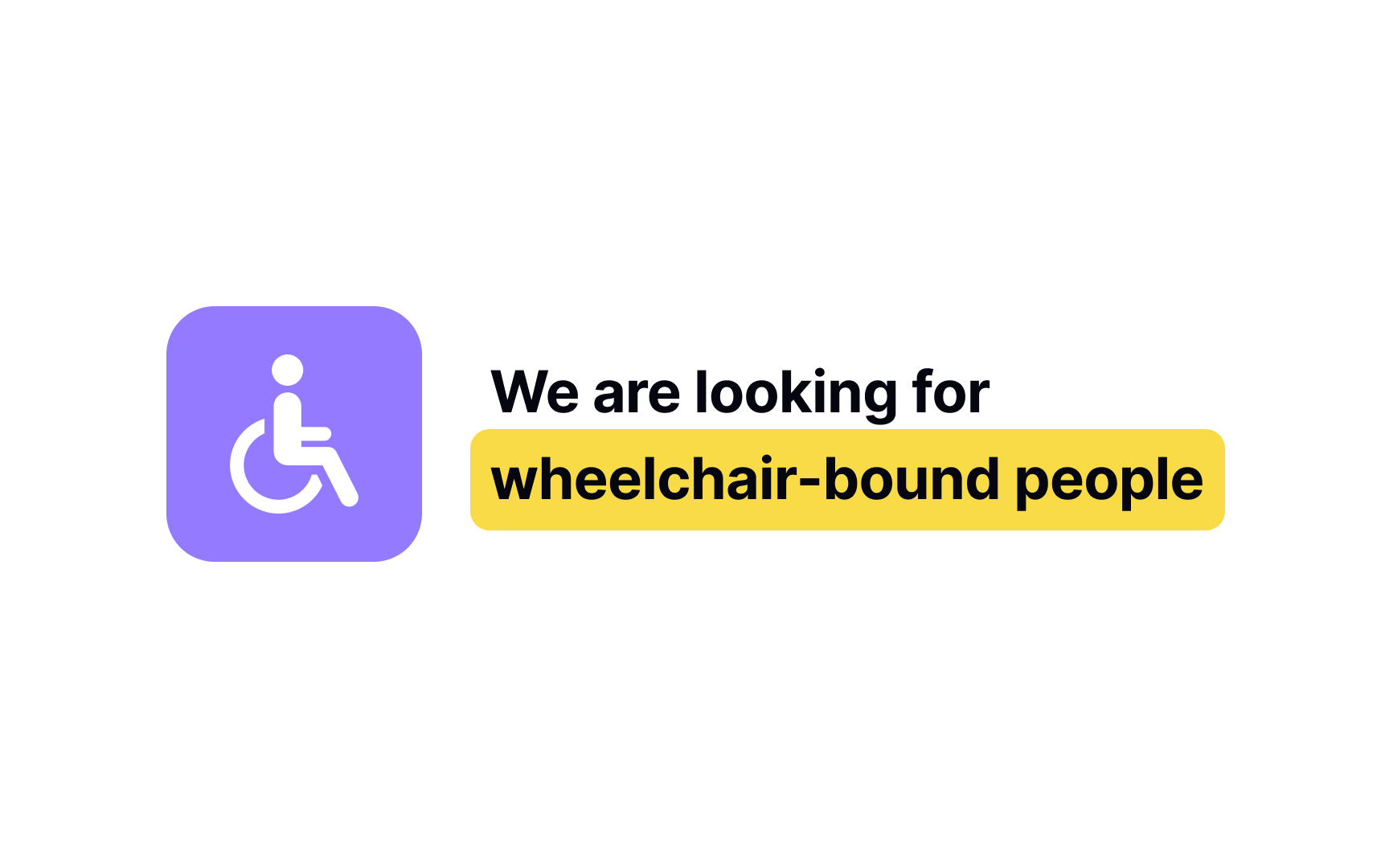
- Avoiding victim language. For example, say "using a wheelchair" instead of "bound to a wheelchair."
- Not assuming their disability is a tragedy. Many people with disabilities are well adjusted to life and don't wish to be "fixed."
- Asking before making an accommodation or offering help. Doing so before asking can imply that the participant is incapable and come across as insulting.
- Making eye contact and speaking to your participant directly. Ignoring the participant by speaking to the interpreter or caregiver can feel like you don't see the participant as equal or capable.
- Letting participants speak and waiting until they finish before responding. Interruption can be especially disruptive for people with speech impairments and some cognitive disabilities.
- Familiarizing yourself with the etiquette specific to the person's disability or access needs. For example, if a participant has a guide dog, don't distract the dog from its job by petting or playing with it.[3]
Facilitation during accessibility research sessions
Accessibility research looks different from standard one. You'll make adjustments on the fly to help participants engage, and that's completely normal.
Traditional research follows strict scripts to avoid bias. Accessibility research takes a more flexible approach. When you adjust something mid-session to help a participant, you're not compromising your findings. Your goal is understanding how to meet user needs, not watching people struggle with barriers you could remove.
Adjustments you'll likely make:
- Pause the screen reader when participants want to think aloud
- Add breaks when someone needs them
- Move your camera to capture how participants actually hold their devices
- Explain things verbally when visual demos don't work
- Give extra time for assistive technology setup
Someone new to screen readers needs more guidance than someone who's used one for years. A participant using voice control navigates differently than someone using a switch device. Adjust your facilitation style based on what each person needs rather than treating every session identically.
Report accessibility research findings
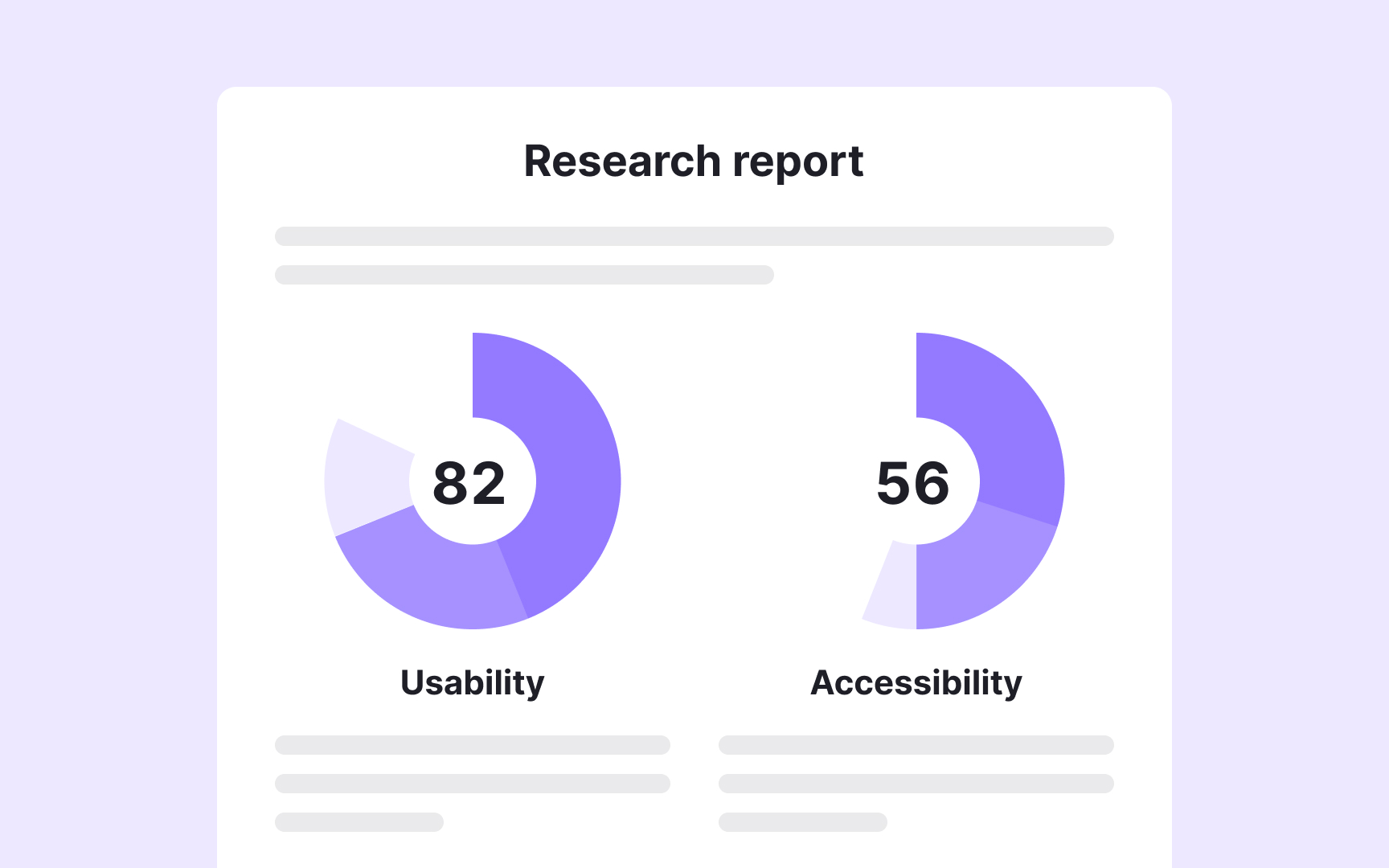
After finishing your research, you need to organize findings in a way that helps your team understand what to fix first. Separating accessibility issues from general usability problems makes your report more actionable:
- Identify who's affected most. Some issues frustrate everyone. Others disproportionately impact people with disabilities. A confusing navigation structure slows down all users. But missing alt text completely blocks screen reader users from understanding images. Look for this disproportion when categorizing issues.
- Map issues to WCAG for prioritization. Linking problems to Web Content Accessibility Guidelines helps you assign severity levels. Critical issues prevent people from completing core tasks. High-severity problems make tasks very difficult. Low-severity issues create friction but don't block completion. WCAG mapping has limits. Some real accessibility problems don't fit neatly into WCAG criteria, like unclear language that especially impacts cognitive disabilities. Document these too.
- Organize by user impact, not just compliance. A WCAG violation on your checkout page matters more than one on a rarely visited FAQ page. Consider both severity and where the issue appears in user journeys when prioritizing fixes.
Be upfront about accessibility research
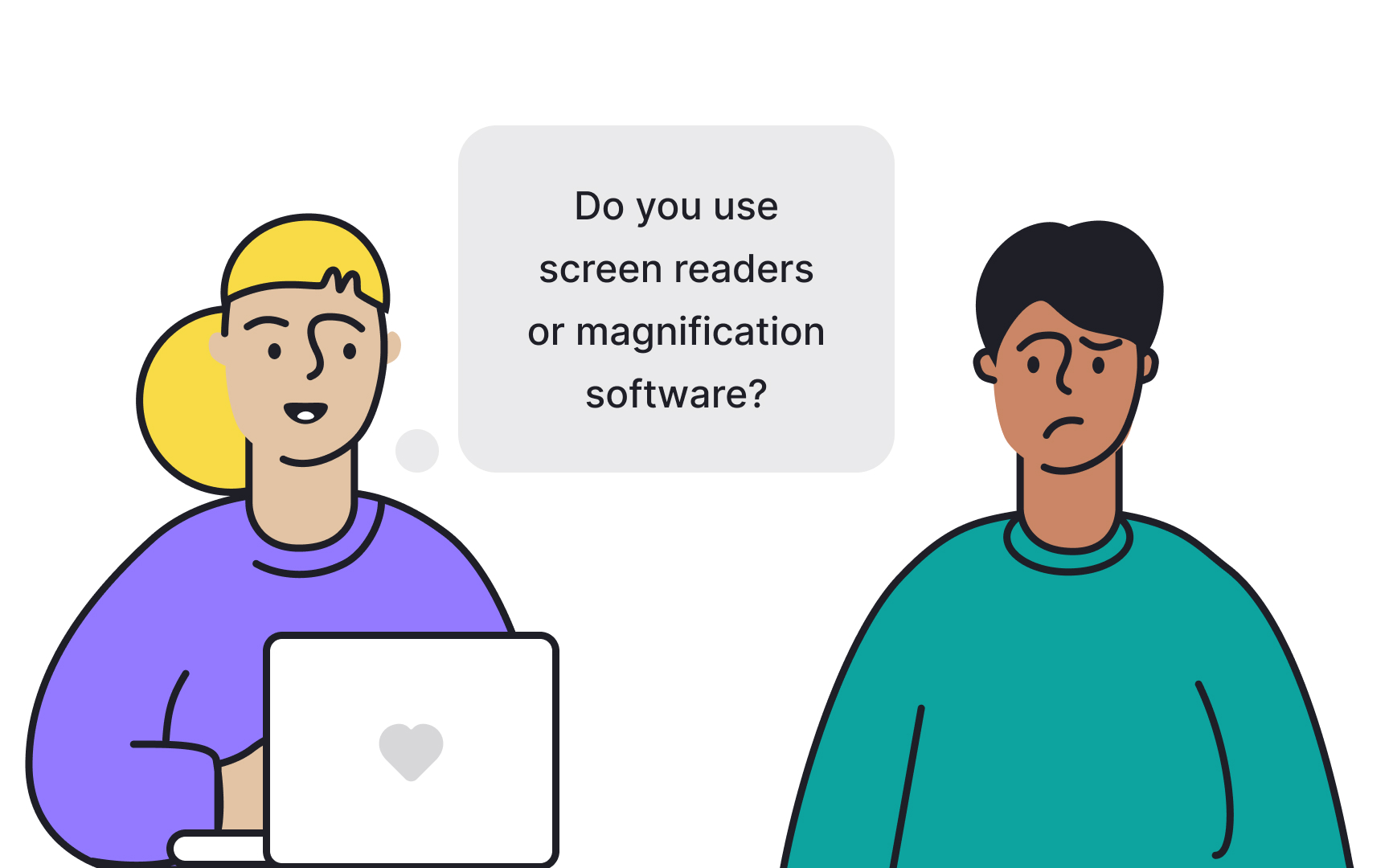
Recruiting people for accessibility research requires asking about disabilities or access needs. Before you start screening participants, understand your legal and ethical responsibilities.
- Be transparent about your research focus. Explain upfront that your research focuses on accessibility. This context helps participants understand why you're asking personal questions about their disabilities or assistive technology use. Without this explanation, questions about health or disabilities can feel invasive.
- Understand local laws about disability data. In many jurisdictions, disability status is classified as sensitive medical information. Some locations restrict direct questions about disabilities. Others require special data handling and storage protocols. Check your local and federal regulations before creating screening questions. Even when participants volunteer information willingly, you may need to store it separately from other research data and follow specific privacy protections.
- Focus questions on access needs and technology. Ask "Do you use screen readers or magnification software?" rather than "Do you have a visual impairment?" Questions about how people use technology are usually legally safer than questions about medical diagnoses. They also give you more useful information for research purposes.[4]
Remote accessibility research
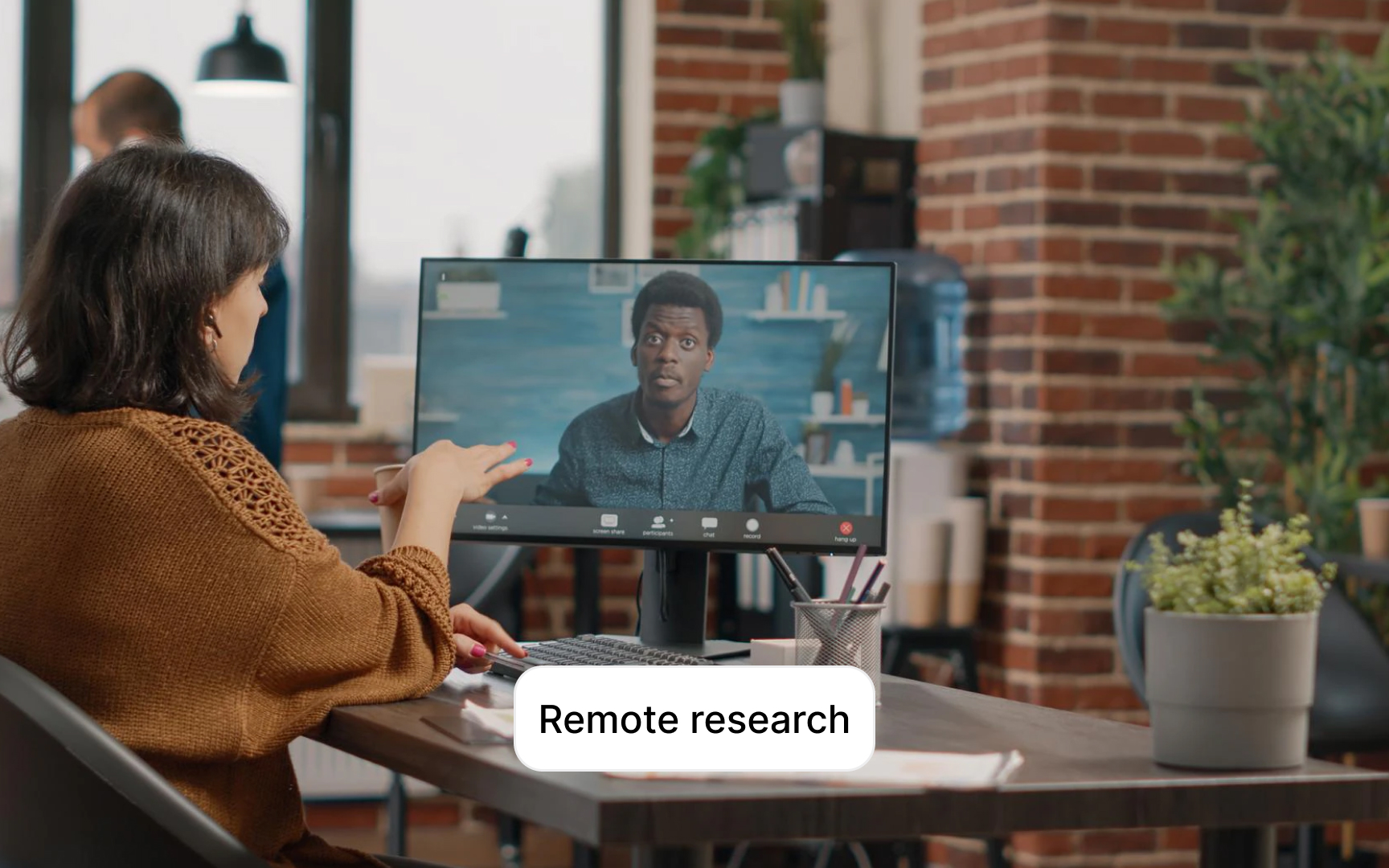
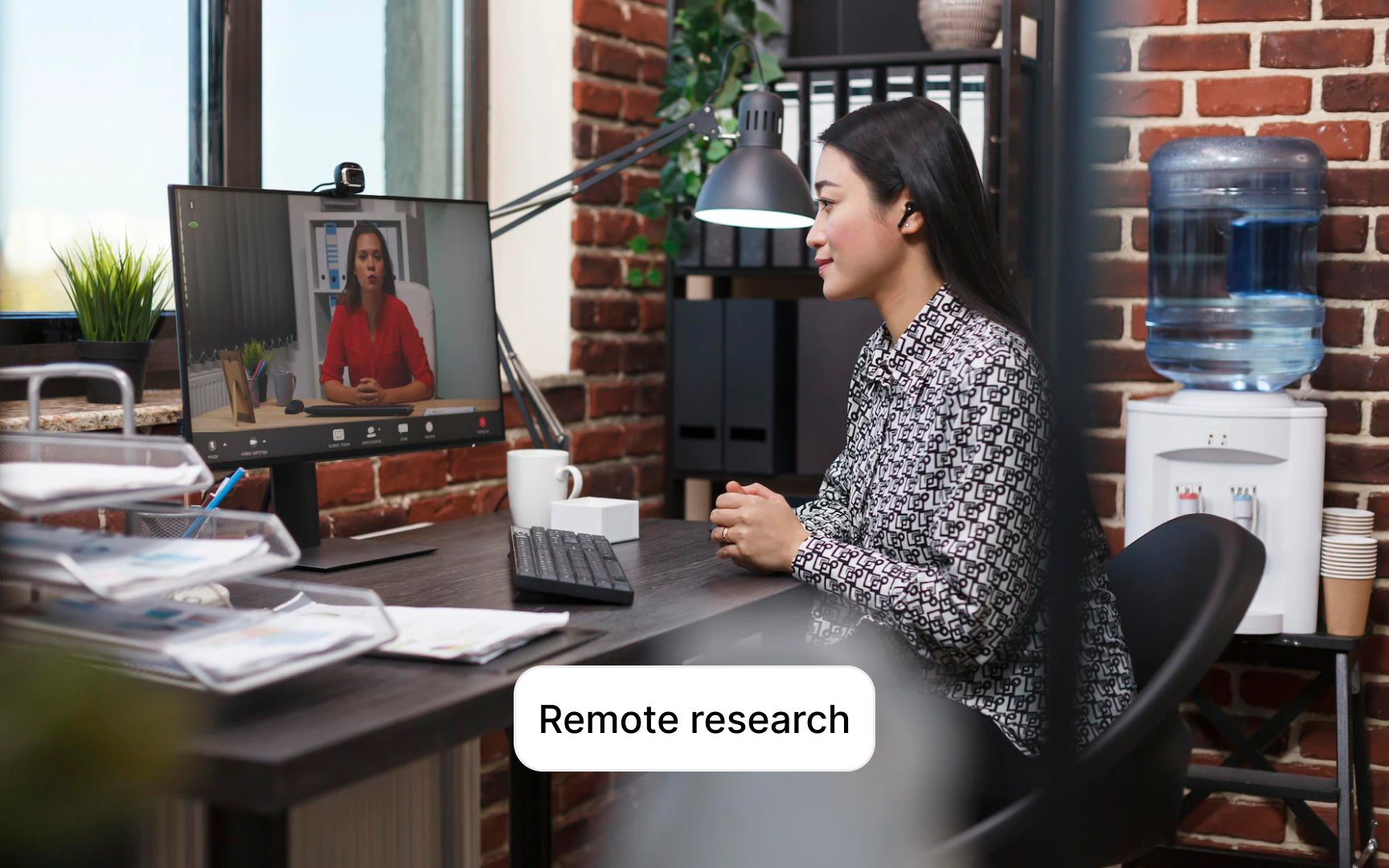
Remote research lets you reach participants across different locations and time zones, expanding your pool beyond local communities. You can include people who face transportation challenges or live far from major cities. This geographic flexibility often means more diverse perspectives and abilities in your research.
The trade-off is technology. Every tool in your research setup needs to work with participants' assistive technologies:
- Prepare your technology stack. Test your video conferencing platform with screen readers before sessions. Participants need to share both their screen and computer audio so you can observe how their assistive technology announces interface elements. Zoom, Google Meet, and Microsoft Teams have different accessibility features. Know which works best for your participants' specific needs.
- Set up participants for success. Schedule pre-session calls to walk participants through your tools. A 10-minute setup call prevents 30 minutes of troubleshooting during the actual session. It also helps participants feel confident rather than anxious about the technology.
- Use chat as a backup channel. Chat provides an alternative for participants who are deaf or hard of hearing. It can replace or supplement interpreters, giving participants direct communication with you.[5]
Conducting accessibility research in person
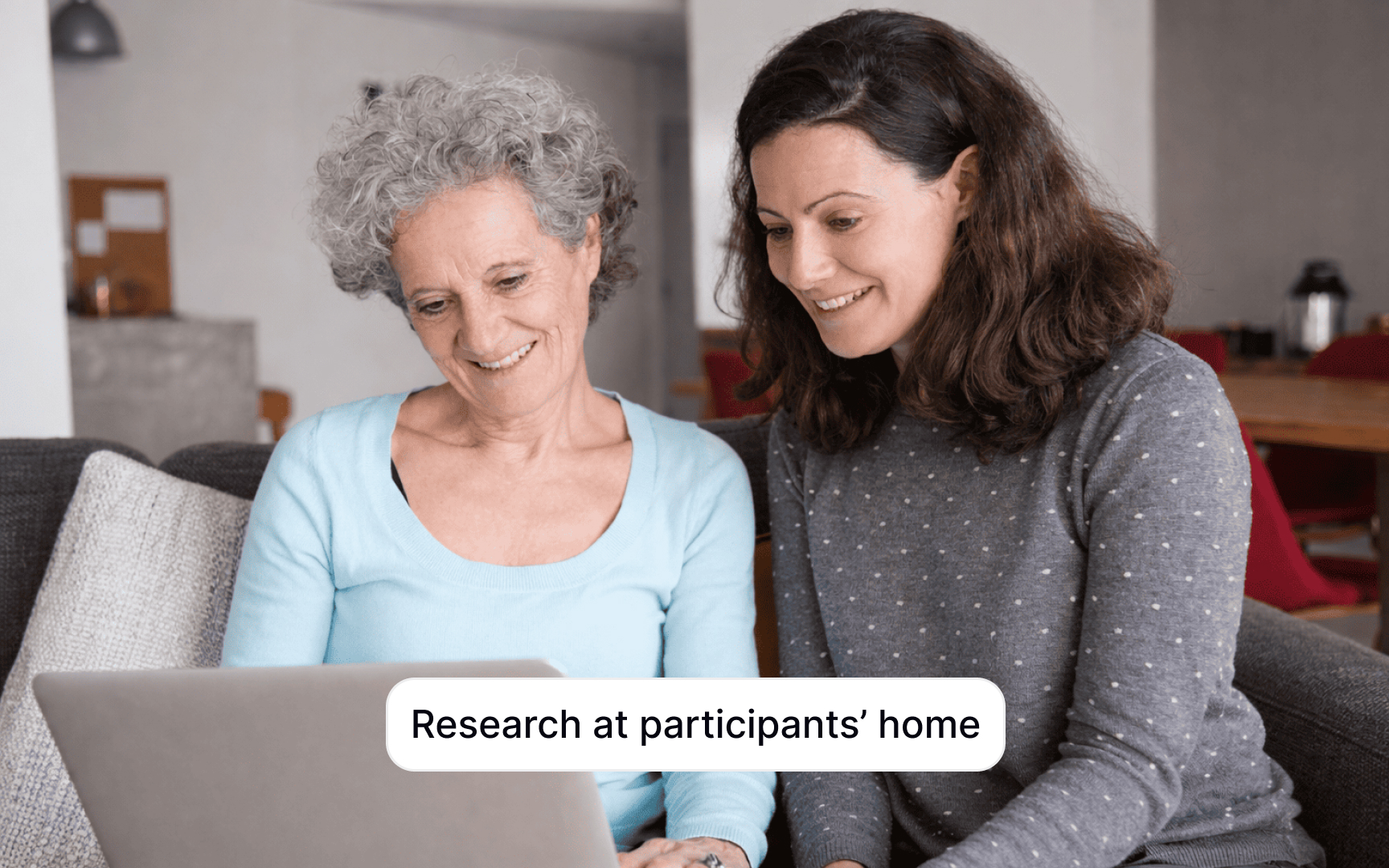
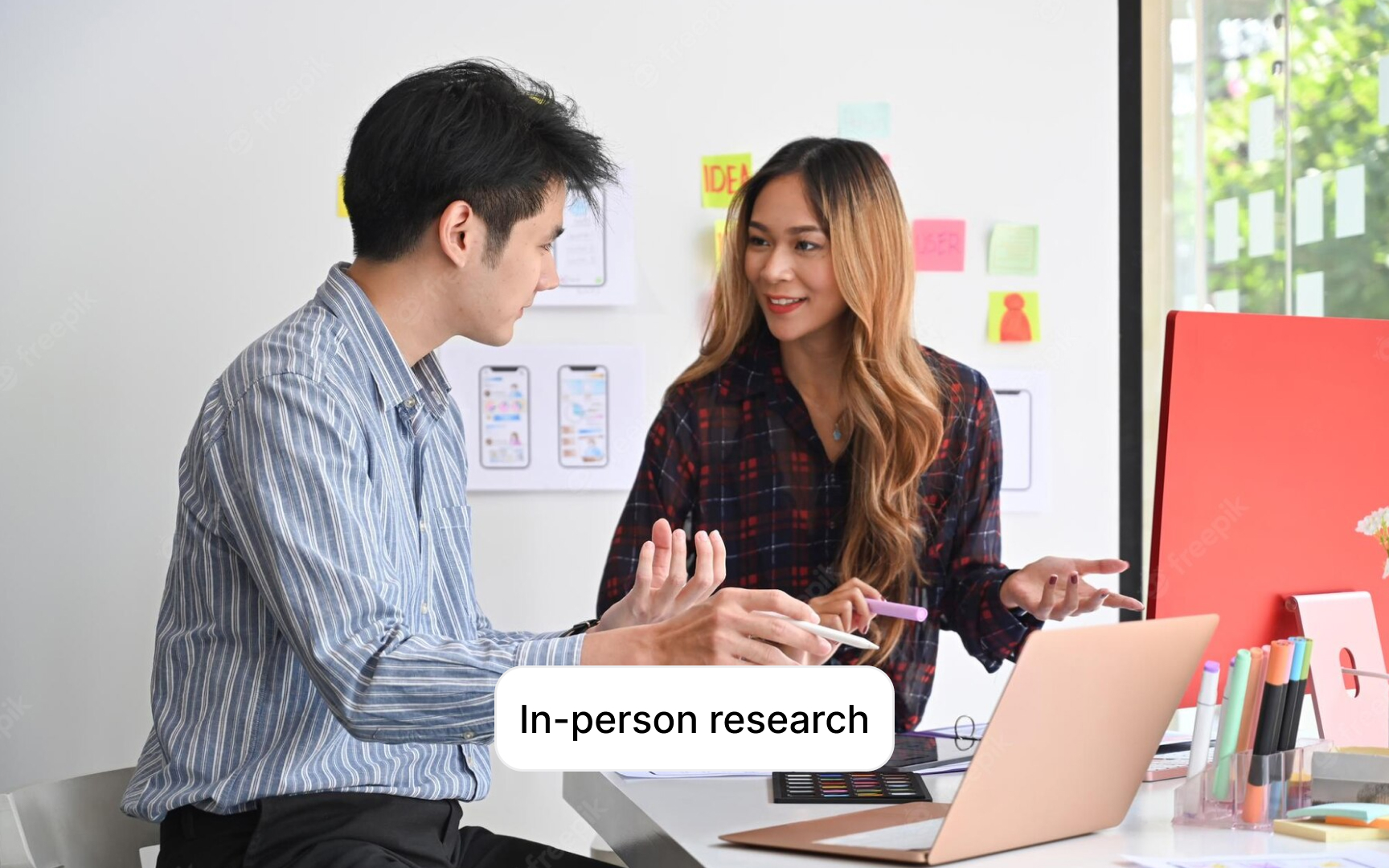
Testing in participants' homes rather than a lab reveals how people actually use your product in their everyday environment. This approach offers insights you can't get from controlled lab settings.
Why home visits work better for accessibility research:
- Participants feel comfortable in familiar surroundings. The stress of navigating to an unfamiliar lab disappears. People use their own assistive technology with personal configurations they've refined over time. A screen reader user might have specific verbosity settings. Someone using voice control might have custom commands. These personalized setups show you real usage patterns rather than generic configurations.
- You also see the full context. Does someone keep lights off because they don't need them? Do they position their monitor at an unusual angle for their remaining vision? These environmental factors affect how people interact with products.
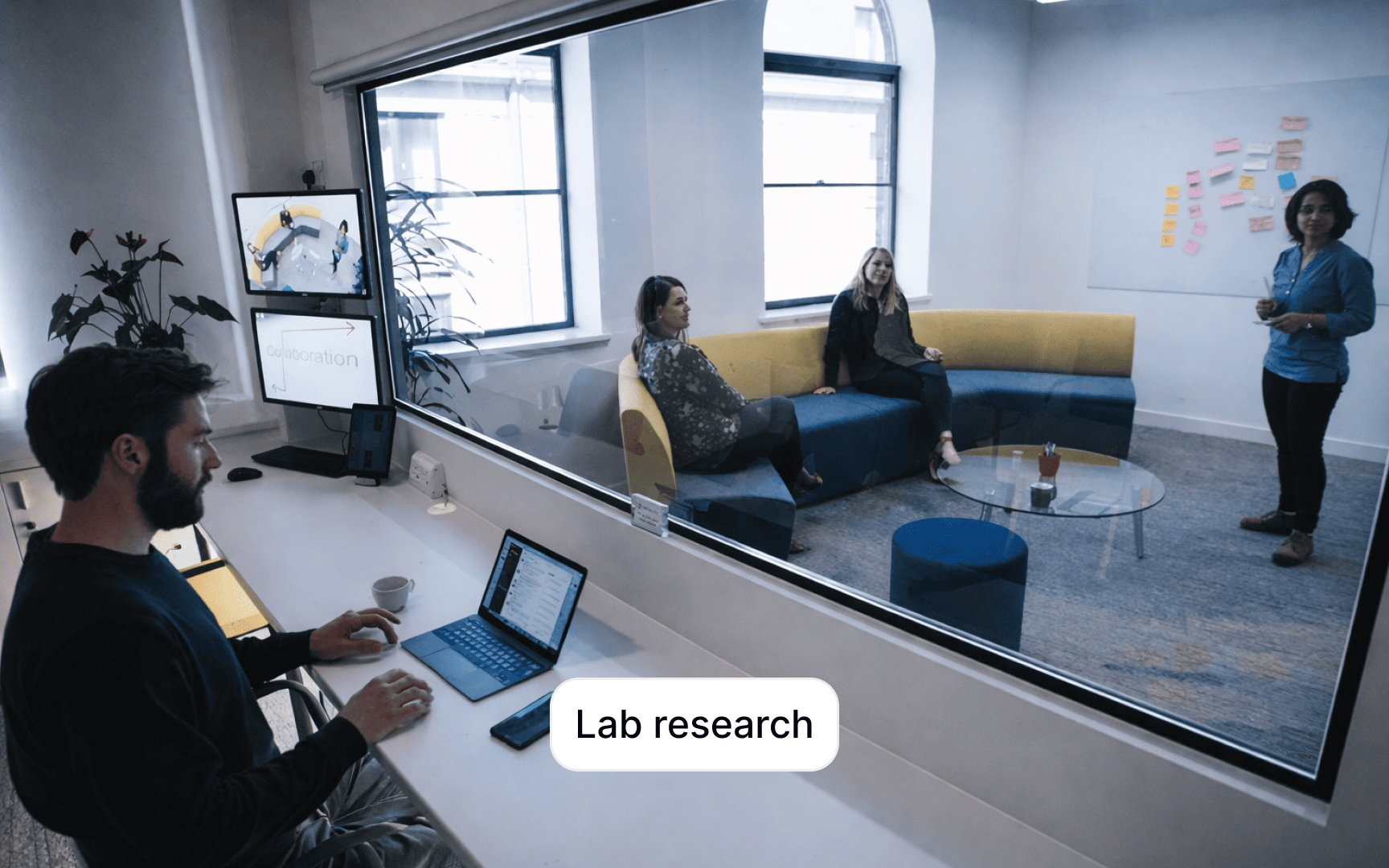
Bring a document camera or second recording device to capture both the participant and their screen simultaneously. Lab setups usually have this built in. Home visits require portable solutions. You'll also need good lighting and audio equipment since you can't control the environment like you would in a lab.
Conducting lab accessibility research
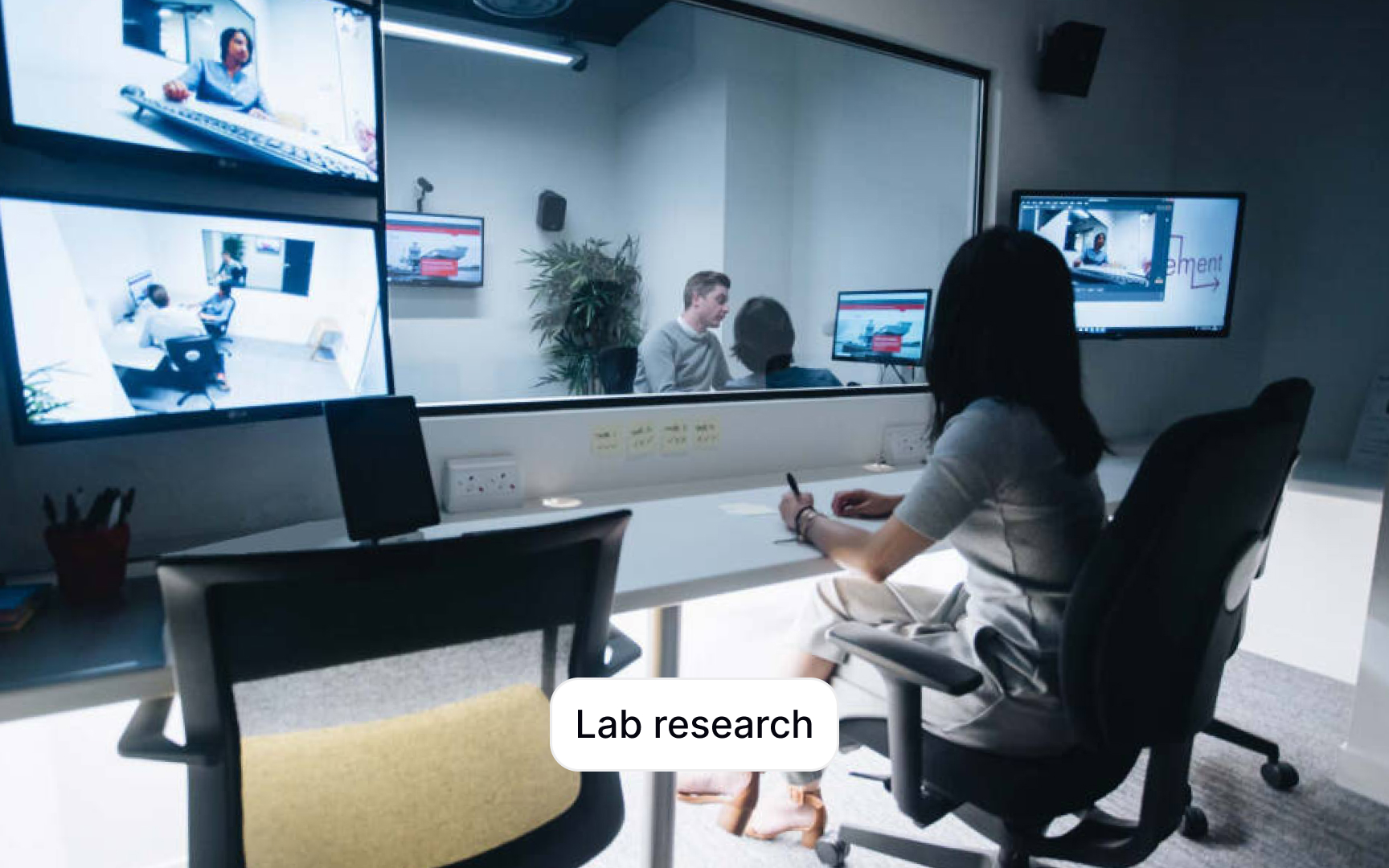
Lab testing gives you controlled conditions and professional recording equipment. The challenge is making the lab itself accessible and ensuring you have the assistive technologies participants need:
- Verify assistive technology availability early. Check which assistive technologies your lab has before recruiting. Does the lab have the specific screen readers, magnification software, or alternative input devices your participants use? If not, let participants know during recruitment so they can bring their own equipment. Some participants prefer their personal devices anyway since they're already configured to their preferences.
- Make navigation straightforward. Provide clear directions from the building entrance to your lab. Include landmarks, elevator locations, and accessible routes. Extend this to waiting rooms and restrooms. Someone navigating a new building with mobility aids or visual impairments shouldn't have to guess where things are.
- Remove physical barriers. Walk through your space looking for trip hazards. Secure loose cables and wires. Remove or tape down rugs that could catch wheels or feet. Check doorway widths and table heights.
- Brief lab staff in advance. Let building staff know you're conducting accessibility research. They may need to unlock accessible entrances, operate elevators, or provide other support.
Topics
References
- 7 Business Benefits of Inclusive Design | Indeed Design
- A Comprehensive Guide to Accessible User Research: Part 1 – Project… | dscout.com
- A Comprehensive Guide to Accessible User Research: Part 3 –… | dscout.com
- A Comprehensive Guide to Accessible User Research: Part 2 – Recruitment and Preparation - Dscout
- How to Conduct Accessibility UX Research